
 Orebits








Vaults & Reset Vaults
Extra storage you can open anywhere, locking your best items, and old Java items.
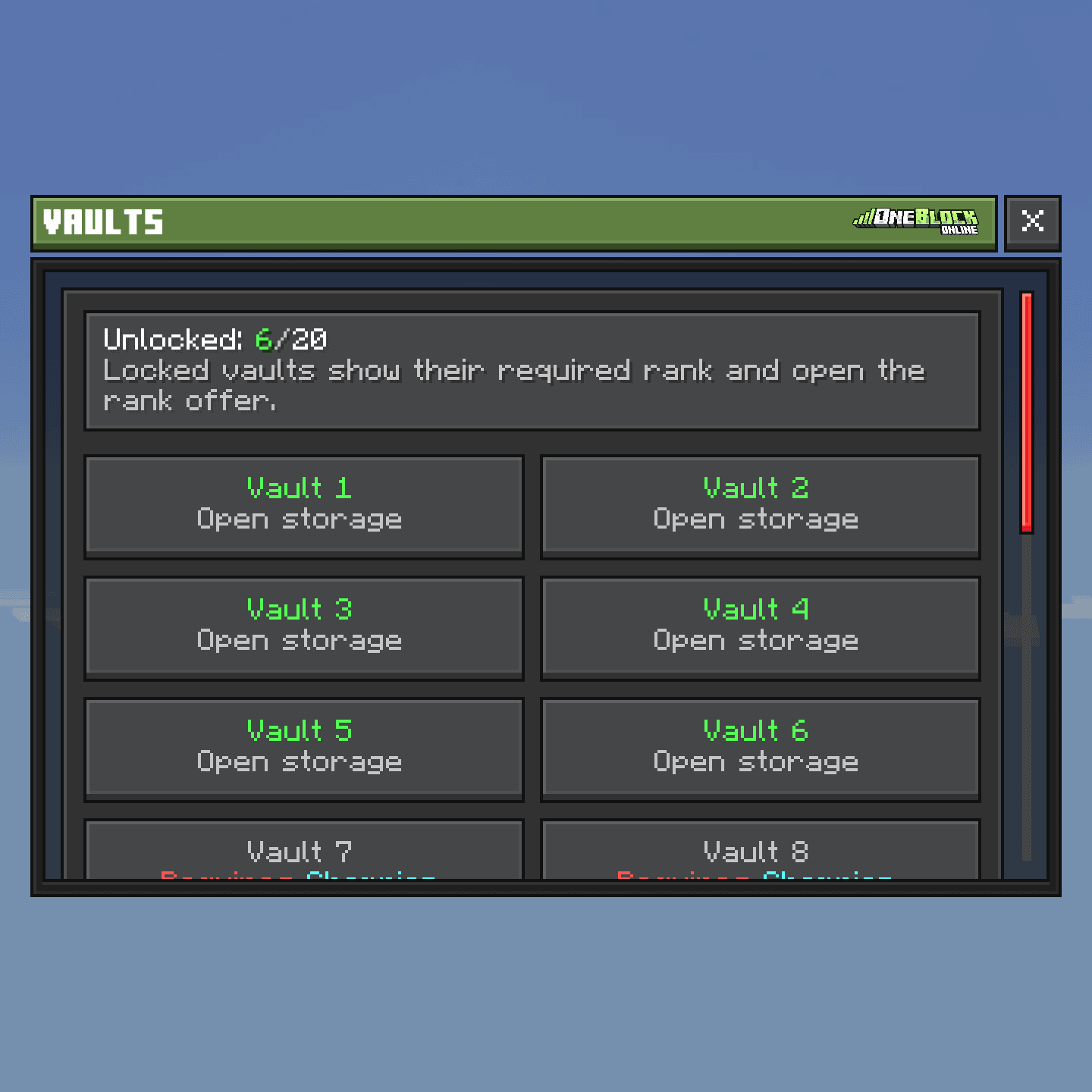
Player vaults are extra storage you can open from anywhere. Ranks give you vaults and a remote ender chest. Anyone can lock items so they are never lost by accident.
27
Slots per vault

20
Most vaults
Player vaults
Type /vault or /pv. Or open the Server Menu (the Server Menu item in your last hotbar slot, or /menu), click Profile, then Vaults. Pick a vault and it appears next to you. Open it within 30 seconds.
| Rank | Vaults |
|---|---|
 Hero | 2 |
 Paladin | 6 |
 Champion | 10 |
| Demigod | 20 |
Players without a rank have no vaults.
Ender chest from anywhere
Hero rank and up can open their ender chest anywhere with /ec. It is also on the Profile tab of the Server Menu, as Ender Chest.
Lock your items
Hold an item and type /lockitem. Type it again to unlock. A locked item can't be dropped, sold, traded, crafted or put on the Item Market.
The tooltip of a locked item
Zrzut ekranu wkrótce

Wskazówka
Lock your best sword and armor before you use
/sell all or trade. Then one wrong click can never cost you them.Locking works on items that don't stack, like tools, armor and weapons.
Reset vaults
Did you play on the old Java OneBlock server? The items you saved there are waiting for you. Type /resetvault to open Your Old Reset Vaults.
- 1
Make room
Empty some space in your inventory first.
- 2
Type /resetvault
Pick a vault page to see its items.
- 3
Click an item
It turns into its Bedrock version and goes into your inventory.
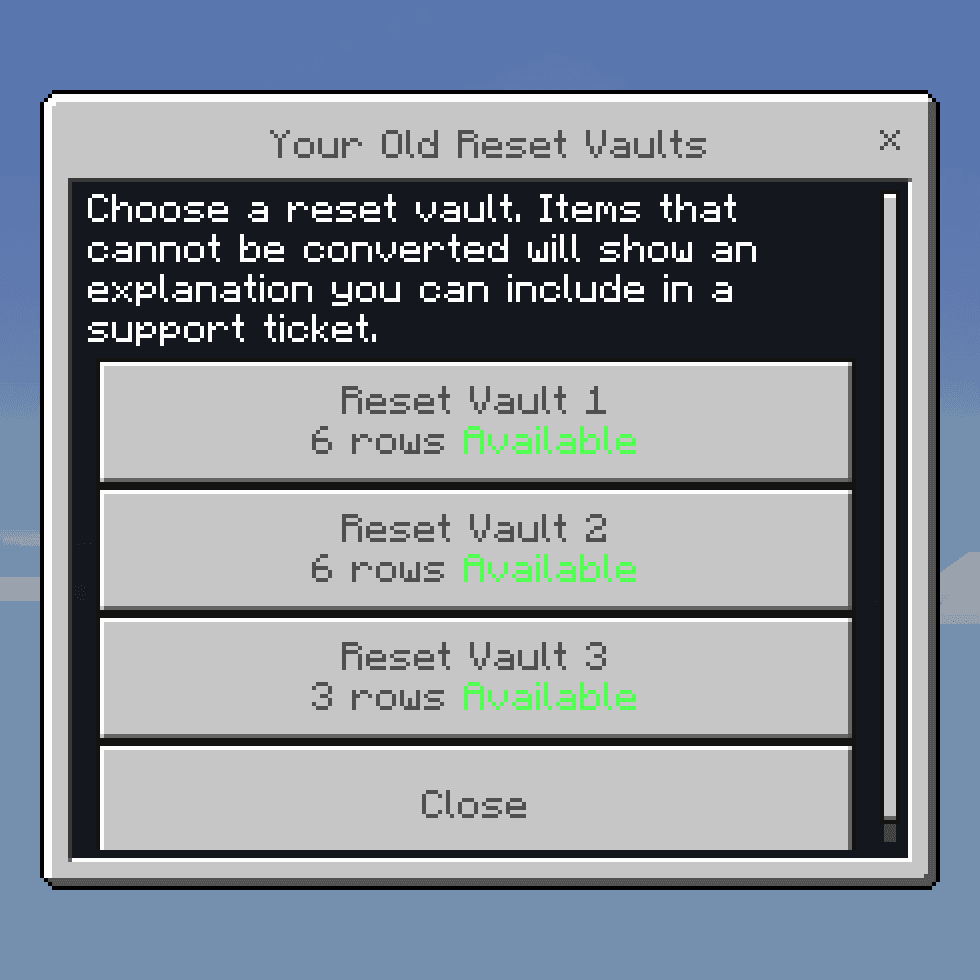
Most items and enchants come across. Enchants that don't exist here are removed.
Uwaga
If an item can't come across, you see a code that starts with RV-. Leave the item in the vault and send that code in a support ticket.





