





Server Menu & HUD
Every Server Menu tab and button, plus what the info on your screen means.
The Server Menu is where you do almost everything on Oneblock Online: manage your island, teleport, buy and sell, and open bundles. The HUD is the info around the edges of your screen, like your Money and your OneBlock progress.
5
Tabs
9
Hotbar slot
/menu
Command
How to open it
- Use the Server Menu item in your last hotbar slot (slot 9): right-click on PC, tap the screen on a phone, or press the use button on a controller.
- Or type
/menu. - Type
/isto open it straight on the Island tab. - Item gone? Type
/menu onto get it back./menu offremoves it.
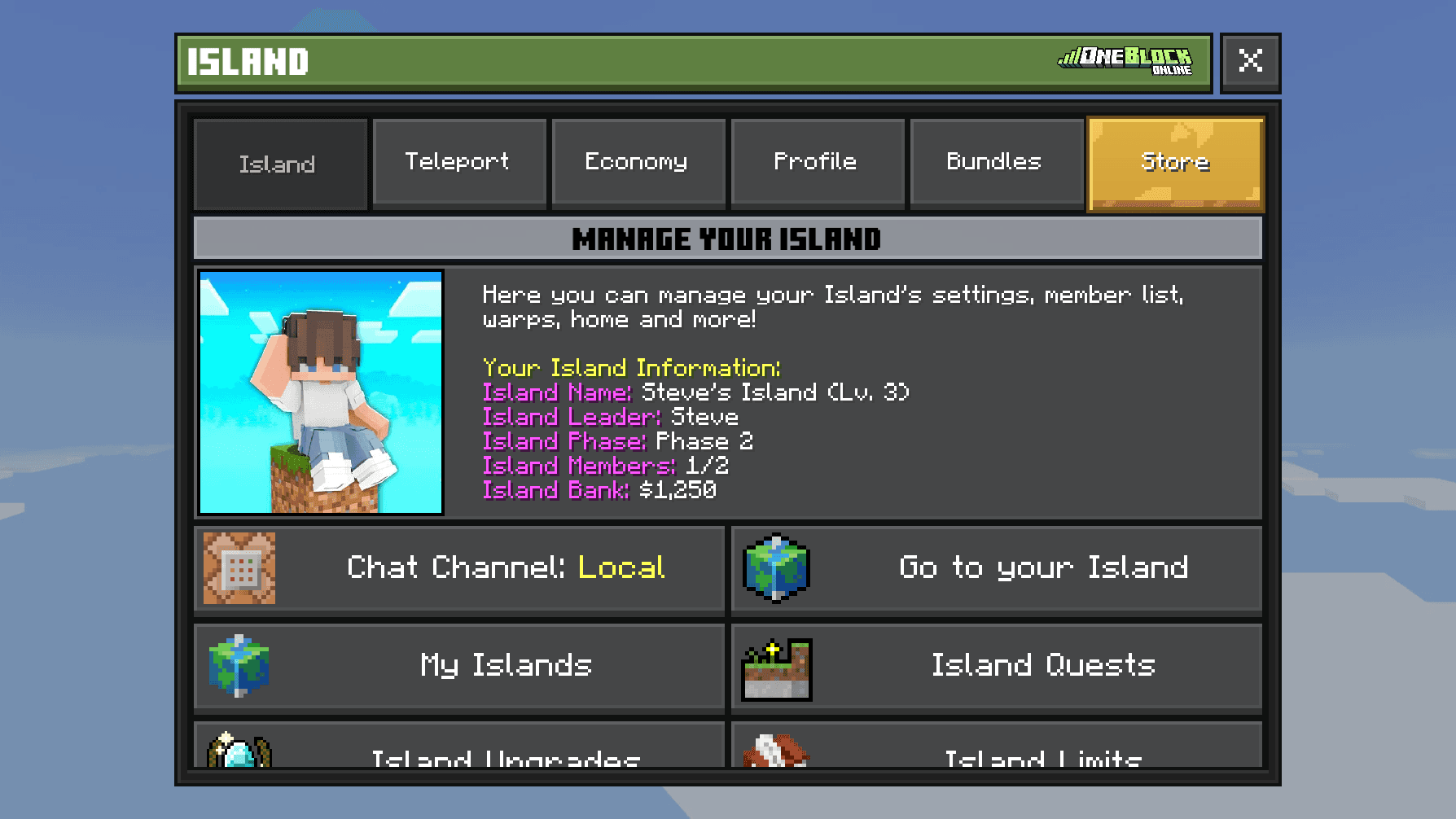
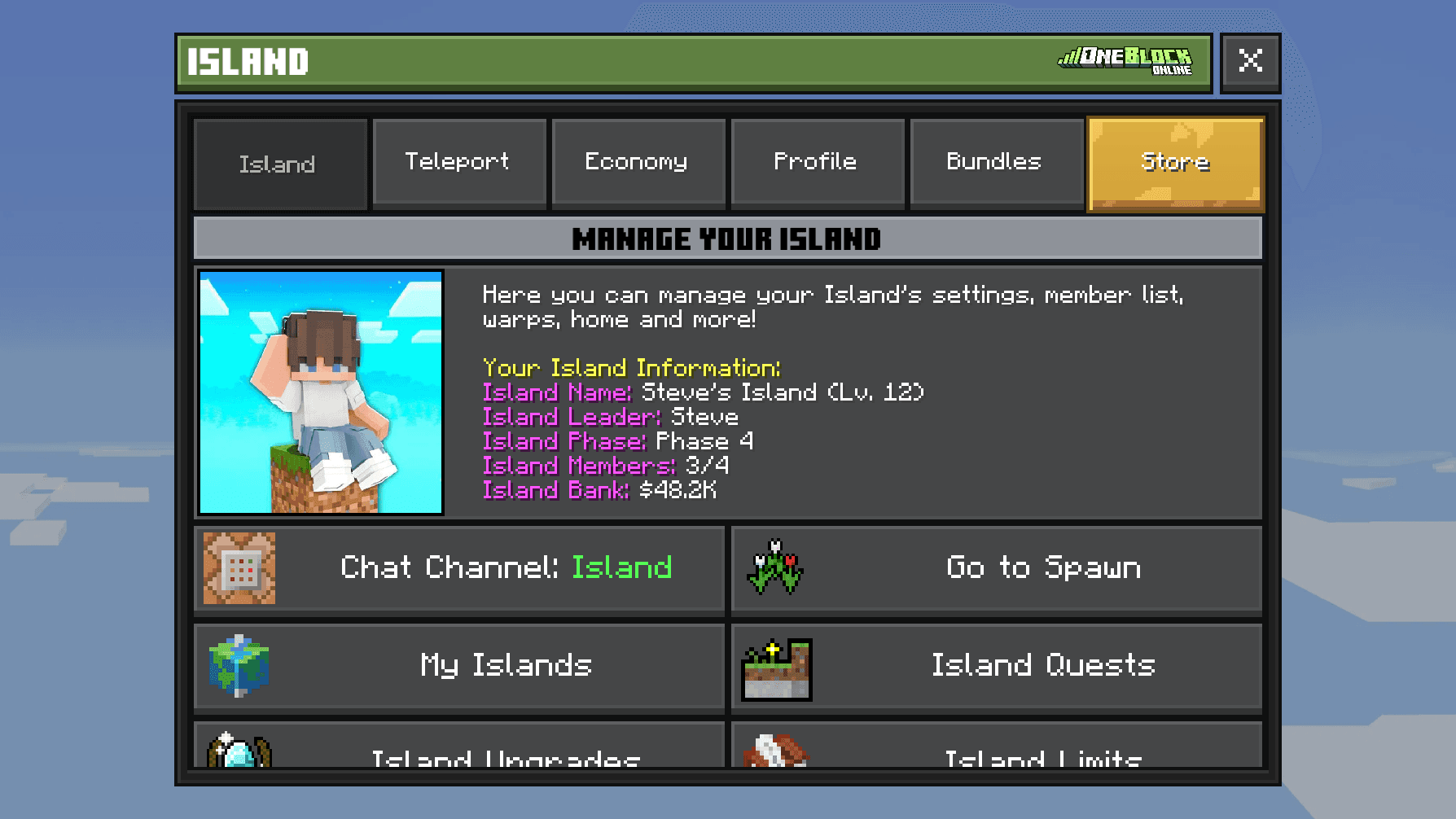
Along the top are 5 tabs: Island, Teleport, Economy, Profile and Bundles. Press a tab's name to switch to it. Next to them is the Store button. The menu always opens on the last tab you used.

Warto wiedzieć
You only see buttons you can use. For example, some island buttons only show if your island role allows it, and some only show while you visit someone else's island.Island tab
The box on the left shows your island's name, level, leader, phase, members and Island Bank money.
| Button | What it does |
|---|---|
 Chat Channel | Switch your chat between everyone nearby and only your island team. See Chat. |
 Report Island | Report the island you are visiting to staff. |
 Go to Spawn | Teleport to spawn, the shared area. |
 Go to your Island | Teleport home. Shows when you are not on your island. |
 My Islands | Switch islands, make a new one, or leave one. See Your Island. |
 Island Quests | Daily and weekly tasks for your team. See Island Quests. |
 Island Upgrades | Buy more space, hoppers, spawners and faster crops. See Island Upgrades. |
 Island Limits | How many chests, hoppers, spawners, mobs and members you can have. |
 Island Bank | Put in or take out the island's shared Money. |
 Island Level | Spend Island Bank Money to level up your island. |
 Island Members | Invite, promote, demote or kick members. See Island Team. |
| Pending Invites | Accept or decline invites to other islands. |
 Browse Islands | Find islands that are looking for new members. |
| My Applications | Islands you asked to join. |
| Recruitment Settings | Let other players ask to join your island. |
| Pending Applications | Players who asked to join your island. |
 Announce Recruitment | Tell the whole chat your island is looking for members. |
| Announce Public Warp | Tell the whole chat they can visit your island. |
| OneBlock Phases | See every phase and what it drops. See The One Block. |
| Island Settings | Rename, lock, homes, visitor rules, and more. |
 Leave this Island | Leave the island team. Not shown to the owner. |
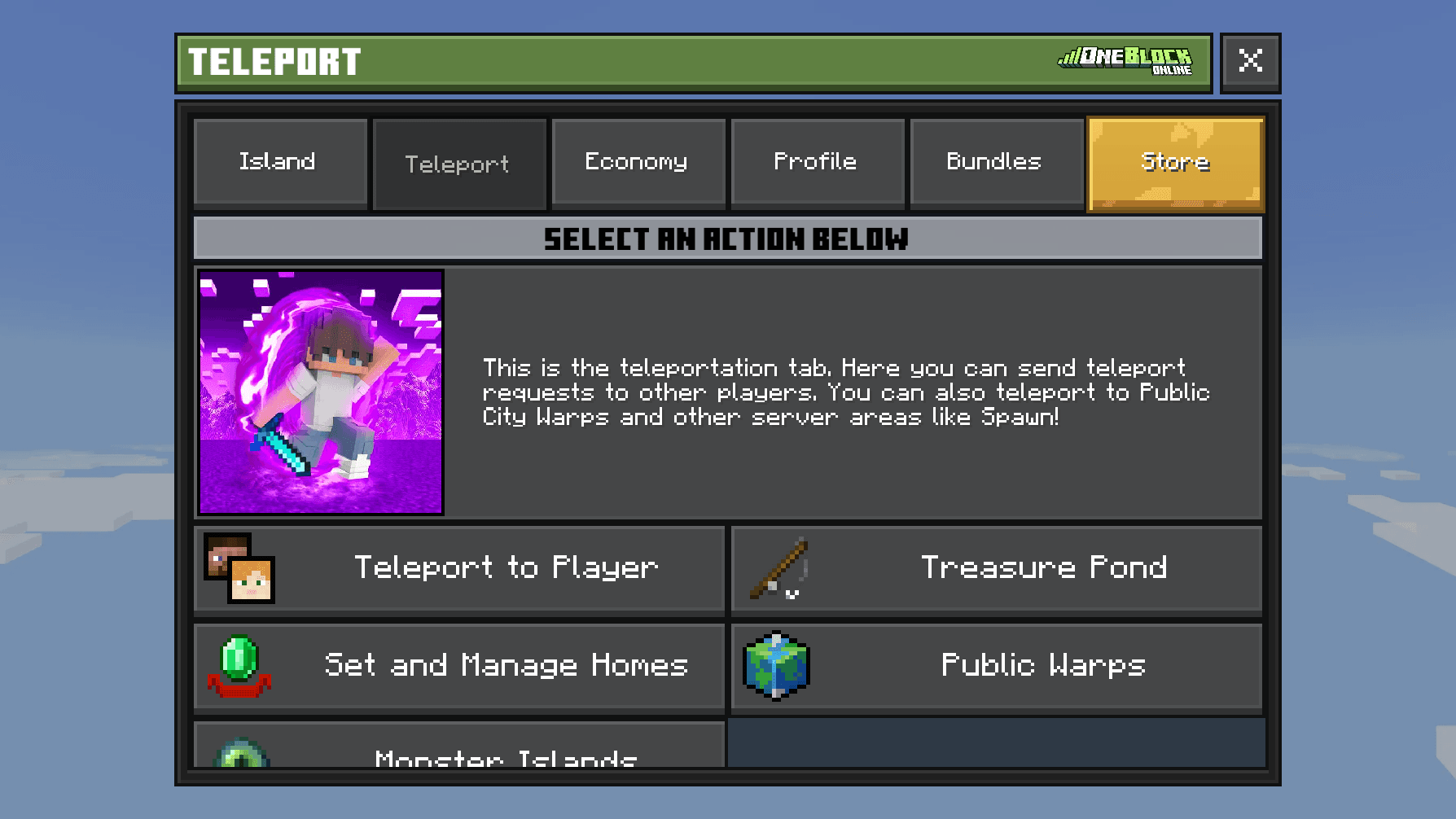
Teleport tab
| Button | What it does |
|---|---|
| Teleport to Player | Ask an online player if you can teleport to them (same as /tpa). |
 Treasure Pond | Go to the Treasure Pond at spawn. See Treasure Pond. |
 Set and Manage Homes | Save spots on your island and teleport back to them later. |
| Public Warps | Visit islands other players have opened to everyone (same as /warps). |
 Monster Islands | Travel to islands full of custom monsters. See Monster Islands. |
Economy tab
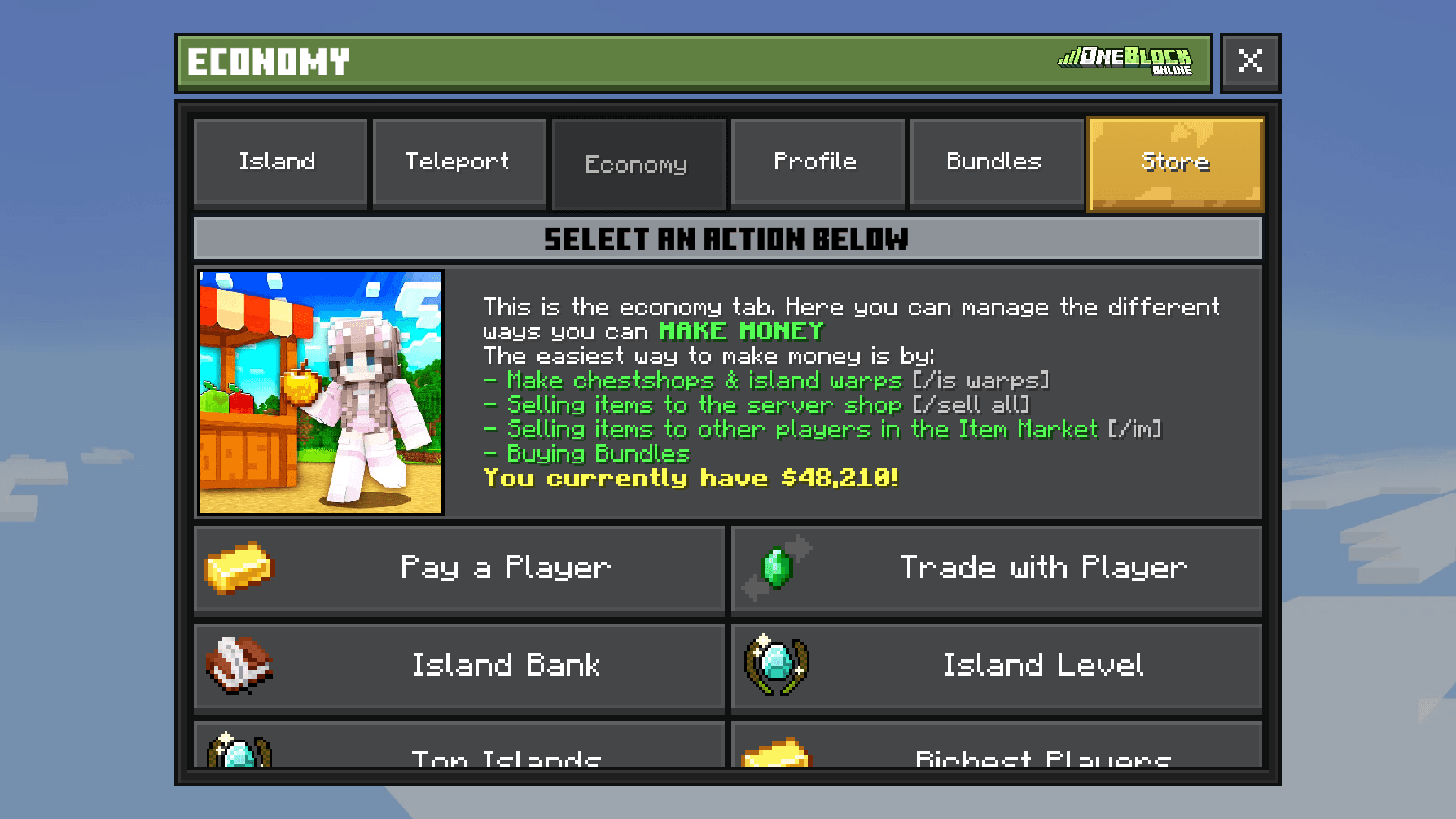
Everything about Money, the coins you earn by selling, and trading with other players. The box on the left shows how much Money you have.
| Button | What it does |
|---|---|
 Pay a Player | Send Money or  Orebits to another player. See Trading & Gifting. |
 Trade with Player | Swap items safely with another player. |
| Island Bank | Put in or take out the island's shared Money. |
| Island Level | Level up your island with bank Money. |
 Top Islands | The best islands on the server. See Leaderboards. |
 Richest Players | The players with the most Money. |
 Open Item Market | Buy items other players are selling, or sell your own. See Item Market. |
| Bazaar | Buy and sell blocks and resources fast. See Bazaar. |
| Create Chest Shop | Turn a chest on your island into a shop. See Chest Shops. |
| Sell Items | Sell your items to the server. See Making Money. |
| Store | Ranks and bundles. See Store. |
 Gifting | Buy a rank or bundle as a gift for a friend. |
| Bone Forge | Turn Bones into custom enchants. See Bone Forge. |
| Custom Enchants | Read about every custom enchant. See Custom Enchants. |
 Furniture Catalog | Buy furniture for your island. See Furniture. |
| Premium Furniture | Special furniture that is only sold for a short time. |
Profile tab
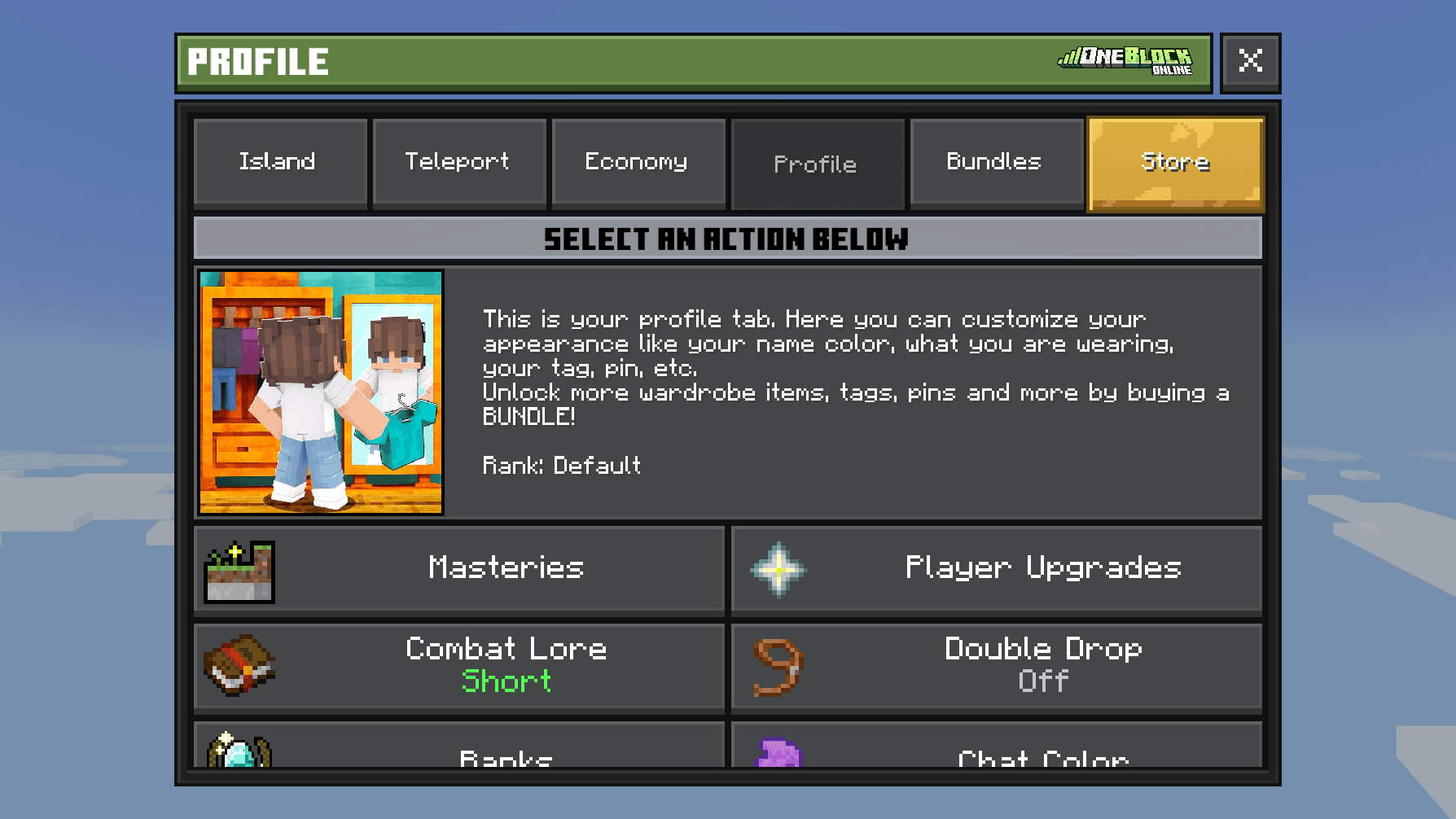
Things about you: your rank, looks and personal tools. Some buttons need a rank, a paid upgrade with extra perks. If yours is too low, the button says Rank Required and opens the rank page. See Ranks.
| Button | What it does | Who |
|---|---|---|
| Masteries | Your Combat, OneBlock, Farming and Fishing levels. See Masteries. | Everyone |
 Player Upgrades | Upgrades for you that last forever. See Player Upgrades. | Everyone |
| Combat Lore | Show short or long enchant text on your items. | Everyone |
 Double Drop | When on, you must drop an item twice to really drop it. Stops accidents. | Everyone |
 Ranks | Compare ranks and their perks. | Everyone |
 Chat Color | Pick the colour of your chat messages. See Chat. | Everyone |
| Name Color | Pick the colour of your name. | Champion+ |
| Titles | Pick a title to show next to your name. See Titles. | Everyone |
 Collections | Rewards for collecting bundle items. See Collections. | Everyone |
 Pets | Your pets. See Pets. | Everyone |
 Event Calendar | Events coming up soon. See Events & Giveaways. | Everyone |
 Vaults | Extra private storage. See Vaults. | Hero+ |
 Ender Chest | Open your ender chest from anywhere. | Hero+ |
| Withdraw Chest Shop Earnings | Collect the Money from all your chest shops at once. | Demigod |
 Night Vision | See in the dark. | Demigod |
 Compact Items | Turn 9 items into 1 block, like 9 iron into an iron block. | Paladin+ |
 Stonecutter | A stonecutter you can use anywhere. | Paladin+ |
 Repair Items | Fix the item in your hand, or everything at Demigod. | Champion+ |
 Heal | Fill your health. | Demigod |
 Feed | Fill your hunger. | Champion+ |
| Rename Item | Give the item in your hand a new name. | Demigod |
 Wardrobe | Hats, backpacks and other cosmetics. See Wardrobe. | Everyone |
| Discord | Link Discord for a free bundle. See Profiles & Discord. | Everyone |
| Settings | Hide parts of your screen and choose which announcements you see. See Settings. | Everyone |
Bundles tab
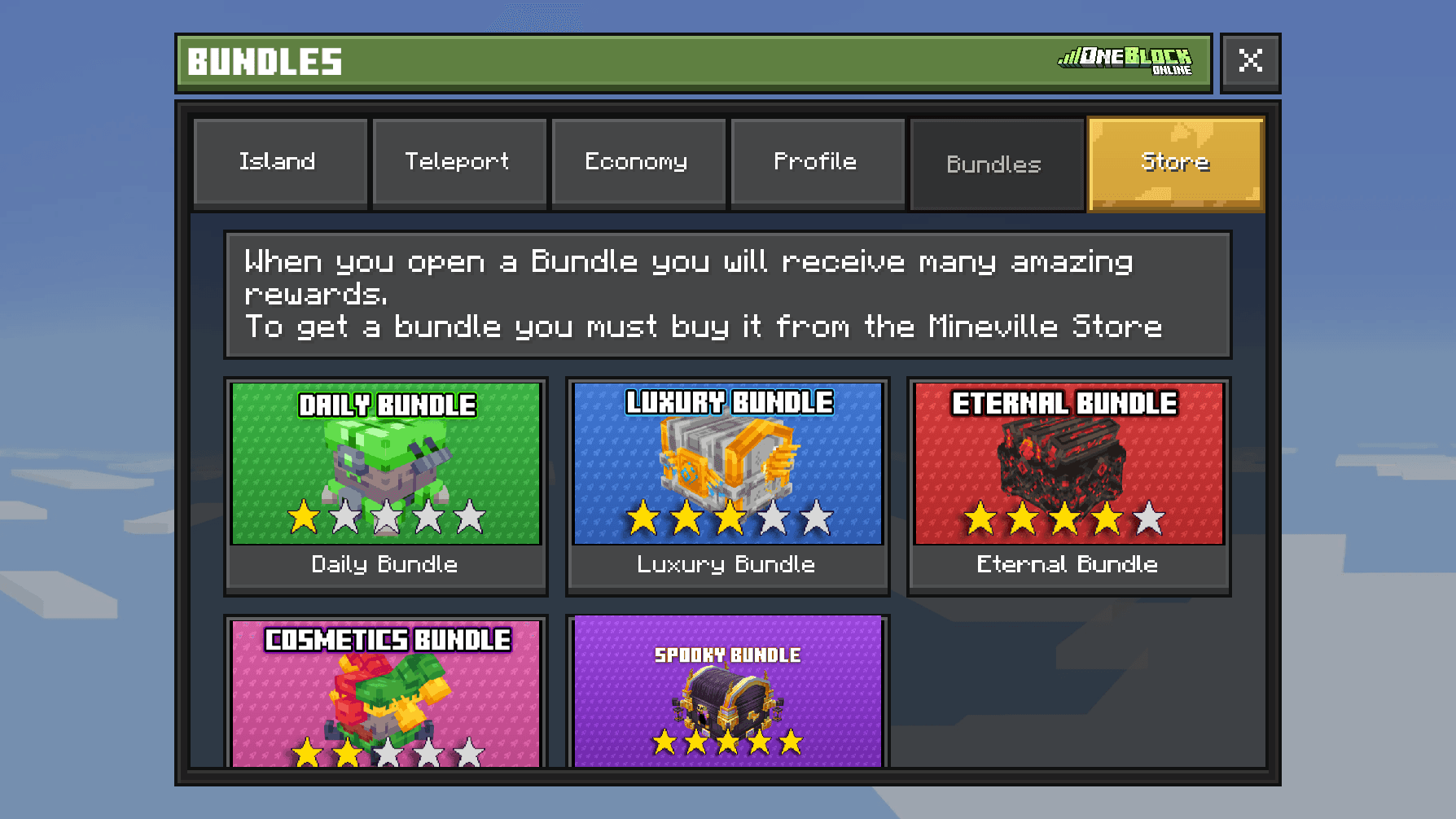
A bundle is a box of random rewards. This tab has one button for each bundle. Press one to see what is inside and open the ones you own. Typing /bundles does the same. See Bundles.
 Daily
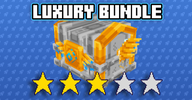 Luxury
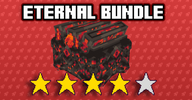 Eternal
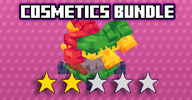 Cosmetics
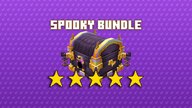 SpookyHalloween
Sidebar
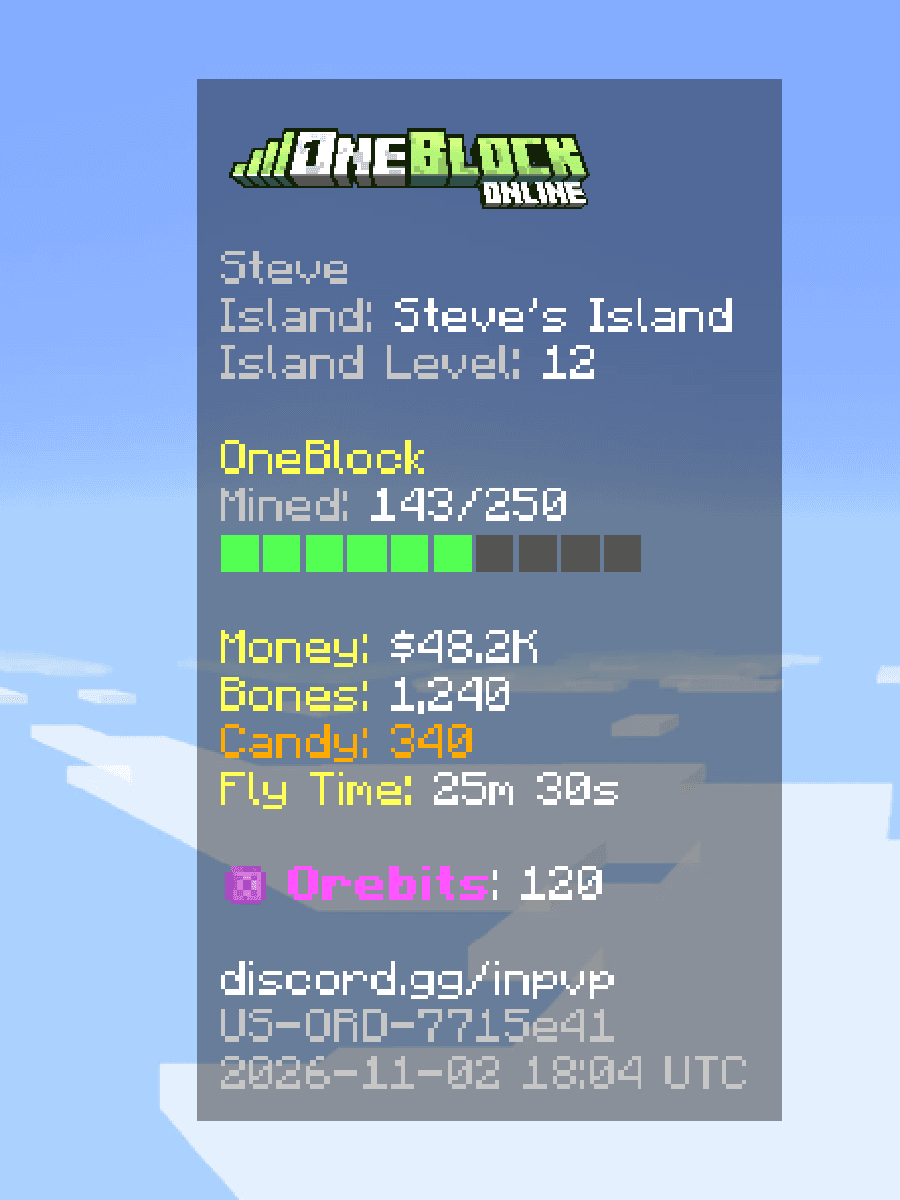
The panel on the right of your screen, under the Oneblock Online logo. It shows your most important numbers.
| Line | What it shows |
|---|---|
| Your name | In your rank colour. |
| Island | Your island's name. |
| Island Level | Your island's level. |
| OneBlock | How far you are in this phase, like 42/100, with a bar. |
| Money | Your Money. |
| Bones | Dropped by monsters. You spend them at the Bone Forge. |
 Candy | Halloween Candy, only during the event. See Halloween. |
| Fly Time | How long you can still fly. See Flight. |
 Orebits | The server's premium currency. You get it from the store, events and some rewards. |
The rest of your screen
| Where | What it shows |
|---|---|
| Top right | Players Online: how many people are playing right now. |
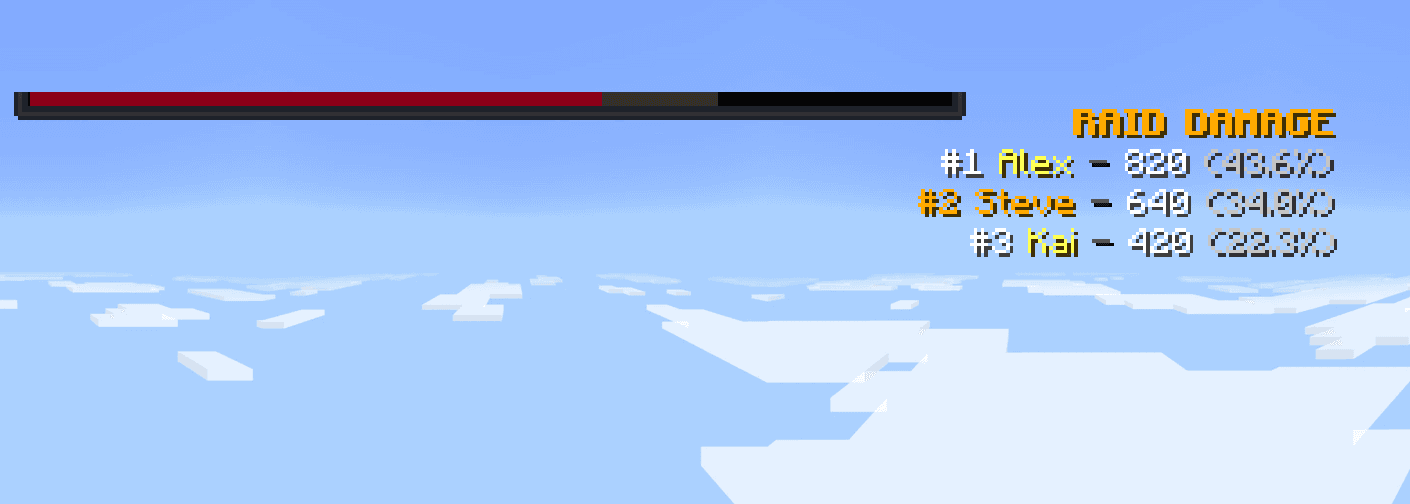
| Top middle | One bar for the most important thing happening: a live auction, a raid boss's health, a server event, or news. |
| Left side | Your tutorial task, or the Island Quest you pinned. |
| Middle | Big titles for big moments, like unlocking a phase, and your fishing catches. |
| Above your hotbar | Short messages, like rare drops and XP gains, and controls for tools such as the Builder Wand. See Island Tools. |
| Pop-ups | Small boxes that slide in, like Kit Claimed or Quest Complete. |
| Over players | Their rank, name, title and Money, like $1.2M. |
Hide parts of your screen
- 1
Open the Server Menu
Use the item in your last hotbar slot, or type
/menu. - 2
Press the Profile tab
It is at the top of the menu.
- 3
Press Settings
It is near the end of the list. Typing
/settingsalso opens it. - 4
Switch off what you don't want
For example Show sidebar, Show player count, Show island quests or Show promotional bossbars. Then press Submit.
Type /hideauction to hide the live auction bar.
Combat numbers and damage indicators
Type /cesettings to open Custom Enchant Settings. Stats shows your damage and speed above the hotbar. Effects & Cooldowns shows your enchant timers. Damage Indicators shows floating damage numbers that only you can see. All of them start switched off.
| Number colour | Meaning |
|---|---|
| White | Normal hit |
| Orange | Critical hit |
| Cyan | Custom enchant damage |
| Purple | Buff damage |
| Green | Pet damage |
| Orange-red | Ability damage |
| Grey | Damage blocked |
Quick commands in chat
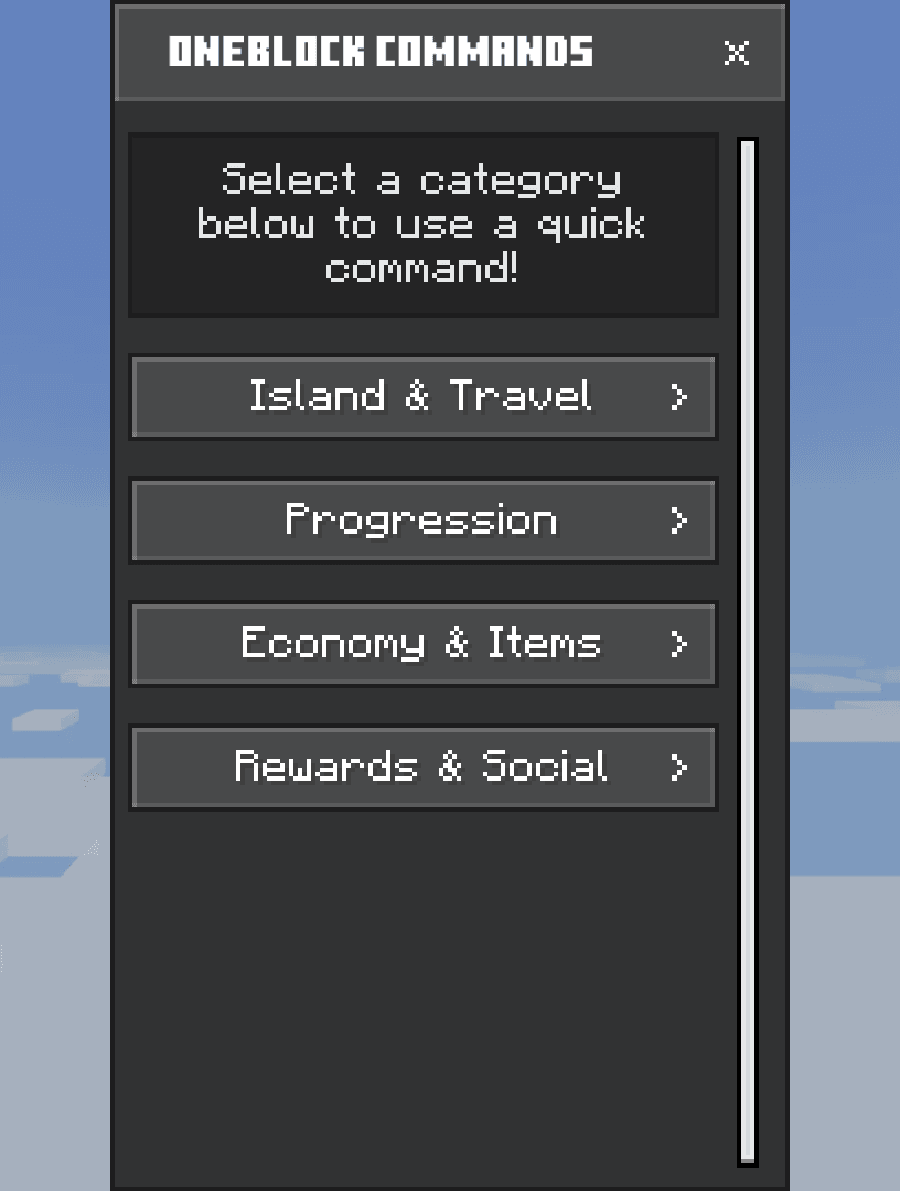
Open chat and press the CMD button. Pick a group, then tap a command to use it without typing.
| Group | Commands |
|---|---|
| Island & Travel | /island /home /warps /spawn |
| Progression | /phases /islandquests /masteries /collections |
| Economy & Items | /shop /im /listitem /store /furniture |
| Rewards & Social | /daily /bundles /ranks /gift /discord |