Orebits









Minions
Little workers that farm, mine, chop trees and fight mobs for you.
A minion is a little worker you place on your island. It farms, mines, chops trees or fights mobs for you, even while you do something else. It can sell what it collects or put it in a chest.
4
Kinds
5
Per island
8 blocks
Chest must be within
A Miner minion mining the OneBlock
Zrzut ekranu wkrótce
The four minions
| Minion | What it does | How to set it up |
|---|---|---|
 Crop Farmer | Harvests and replants crops around it | Give it one kind of seed. Build farmland with water and light around it |
| Miner | Breaks the block in front of it, again and again | Place it facing your OneBlock. It gets the OneBlock's loot too |
 Tree Harvester | Grows and chops small trees | Give it saplings. It needs flat, empty ground around it |
 Mob Killer | Hits mobs within 3 blocks | Put it right next to a spawner |

Best first minion
A Miner facing your OneBlock breaks it for you, loot and all. It is the easiest way to get more blocks.Where to get minions
| Where | Minions | Lasts |
|---|---|---|
 Luxury Bundle | Woodcutter (Tree Harvester), Miner, Mob Killer | 3 days |
 Eternal Bundle | Woodcutter (Tree Harvester), Miner, Mob Killer | 7 days |
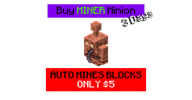 Special offers in the store | Miner, Mob Killer or Crop Farmer | 3 days |
Place a minion
- 1
Face the right way
The minion faces the same way you do. This matters for the Miner.
- 2
Place it
Use the Worker Minion item on a block inside your island.
- 3
Give it somewhere to put things
Tap the minion, tap Link to Chest, then tap a chest within 8 blocks.
- Only the Leader and Co-Leaders can place and manage minions.
- Minions only work while someone from your team is on the island.
- Their time only counts down while they work. Pause Minion stops the work and the time.
- Pick Up Minion turns it back into an item. It keeps its time and upgrades.
Where items go
- Seeds and saplings it needs go into the minion first.
- With Auto Sell, items are sold. The money waits in the minion until you tap Claim Earnings.
- With a linked chest, the rest goes into the chest.
- Anything left drops on the ground.
Uwaga
With no chest and no Auto Sell, items pile up on the ground. Always link a chest.The minion menu
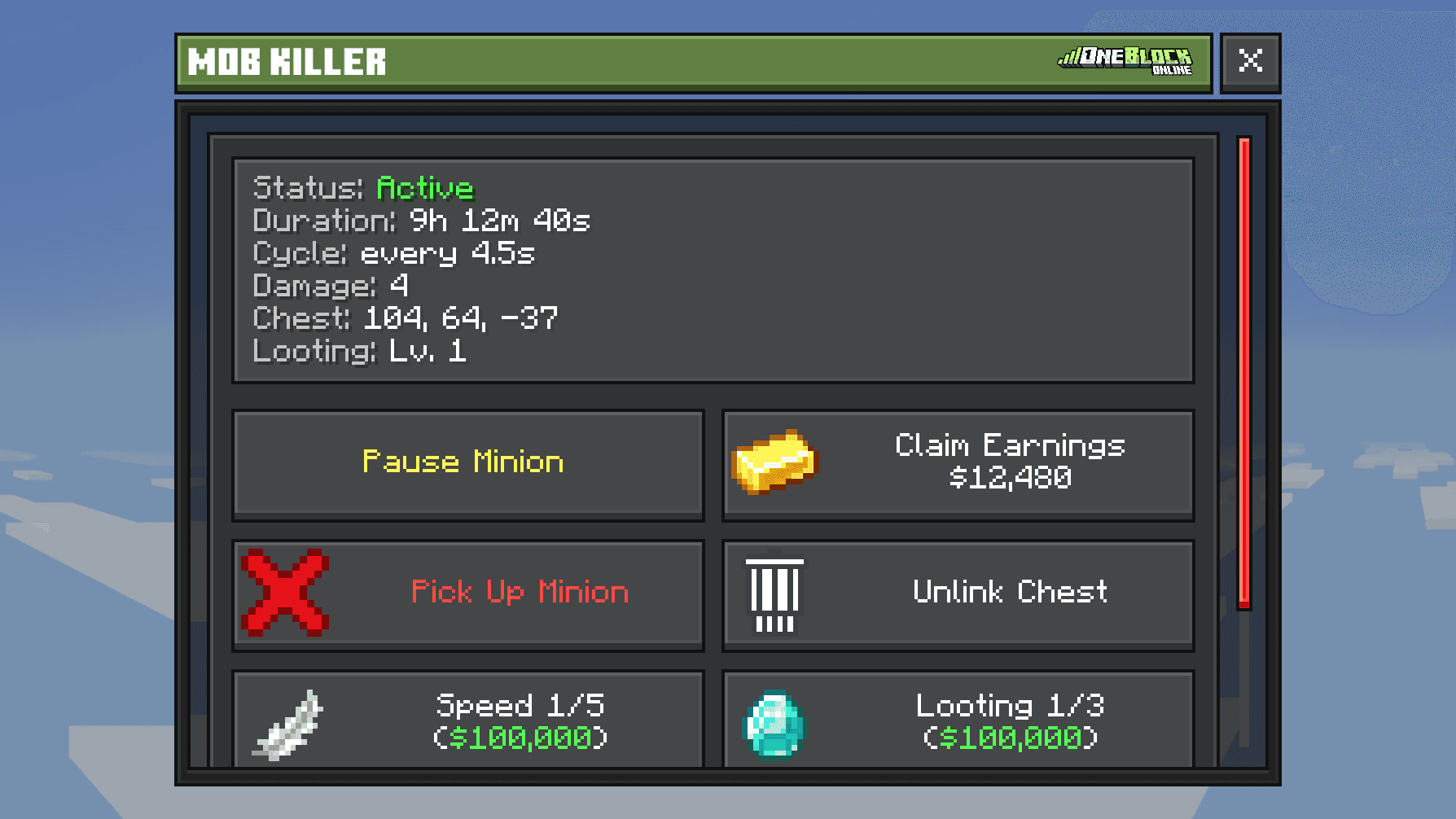
Tap a minion to open its menu. The top shows how long it has left and how it is set up. The buttons let you pause it, claim money, add seeds or saplings, link a chest, pick it up and buy upgrades.
For a Crop Farmer, tap Show working area (10s) to see where it farms. For a Tree Harvester, tap Show problem blocks (10s) to see what is in its way.
A Crop Farmer's working area shown over a farm
Zrzut ekranu wkrótce
Upgrades
Buy upgrades in the minion's menu with your own money. They stay on the minion when you pick it up.
| Upgrade | What it does | Price per step |
|---|---|---|
 Speed | Works faster (5 steps, Tree Harvester 4) | $50,000 to $250,000 |
 Fortune / Looting | More drops (3 steps) | $50,000 to $150,000 |
 Radius | Bigger area for Crop Farmer and Tree Harvester (4 steps) | $50,000 to $200,000 |
| Damage | Mob Killer hits harder (5 steps) | $50,000 to $250,000 |
| Auto Sell | Sells items for you (1 step) | $50,000 |
See exact speeds and areas
| Speed step | Crop Farmer | Miner | Tree Harvester |
|---|---|---|---|
| Start | 10 s | 9 s | 15 s |
| 1 | 7.5 s | 7 s | 11 s |
| 2 | 5 s | 4.5 s | 7 s |
| 3 | 3 s | 2.5 s | 4 s |
| 4 | 1.5 s | 1.25 s | 2 s |
| 5 | 0.75 s | 0.6 s | — |
Mob Killer: 6 s at the start, down to 0.6 s. Damage goes from 4 to 14 per hit.
| Radius step | Crop Farmer area | Tree Harvester area |
|---|---|---|
| Start | 5x5 | 7x7 |
| 1 | 7x7 | 9x9 |
| 2 | 9x9 | 11x11 |
| 3 | 11x11 | 13x13 |
| 4 | 13x13 | 15x15 |