Orebits




Spawn Hub & NPCs
The shared hub: shops, NPCs, leaderboards, the jump to your island, and teleport requests.
Spawn is the big shared area that every player can visit. It has the shops, helpful characters (called NPCs), the leaderboards and the way down to your own island.
Type /spawn to go there from anywhere.
The arrival plaza at spawn
Скриншот скоро будет
Using an NPC
An NPC is a character that stands still and has a floating name above it. Click it (or hit it) and its menu opens. Most NPCs also have a command, so you can open the same menu from anywhere.
What is where
Arrival plaza
Where you appear. Daily Rewards, GIFTING, Kits and the Orebits NPC.
Centre court
The Discord NPC, the Halloween Event guide, and the Money and Orebits leaderboards.

Gateway row
Public Warps, Bazaar, Monster Islands, Fishing Guide and the furniture shops.
YOUR ISLAND drop
A big hole under the YOUR ISLAND sign. Jump in to go home.

Shops and ranks
Shop and Item Market on one side, the four rank NPCs on the other.
Bundle row
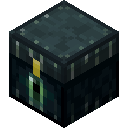
Chests you hit to open your bundles, plus Hall of Fame and more leaderboards.

Treasure Pond
The prize pond on the far west side. See Treasure Pond.

Warzone
At the far end. The only place at spawn where players can fight. See PvP.
Spawn from above
Скриншот скоро будет
See every NPC and its command
| NPC | What it does | Command |
|---|---|---|
 Daily Rewards | Claim your free daily reward. See Kits & Daily Rewards. | /daily |
 Gifting | Send ranks and bundles to friends. See Trading & Gifting. | /gift |
| Kits | Claim your kits. | /kits |
 Orebits | Opens the Orebits store. See Store. | /store orebits |
| Discord | Link your Discord for a free reward. See Profiles & Discord. | /discord |
| Halloween Event | The Halloween guide and Candy Store. See Halloween Event. | /halloween |
 Public Warps | Visit other players' islands. | /warps |
 Bazaar | Buy and sell resources. See Bazaar. | /bz |
 Monster Islands | Travel to the Monster Islands. See Monster Islands. | /monsterislands |
| Fishing Guide | Fishing help and a free rod. See Fishing. | /fishingguide |
| Furniture Shop, Premium Furniture | Buy furniture. See Furniture. | - |
 Hall of Fame | The best islands of past months. | /halloffame |
| Shop | Sell your items for money. See Making Money. | /shop |
 Item Market | Buy and sell with other players. See Item Market. | /im |
 Hero, Paladin, Champion, Demigod | That rank's store page. See Ranks. | /hero and so on |
| Bundle chests | Hit one to open or preview that bundle. See Bundles. | /bundles |
| Media | About the Media rank. | /media |
The four rank NPCs
Скриншот скоро будет
Going to your island
Walk to the YOUR ISLAND sign just past the centre court and jump into the hole under it. You land on your own island.
You can also use the menu: Open the Server Menu (the item in your last hotbar slot, or type /menu), then press Go to your Island.
Spawn is safe
- You can't build or break blocks here.
- No mobs, no hunger, no fall or fire damage.
- Fall off the edge and you come right back.
- Players can only fight inside the Warzone.
Teleport requests (TPA)
A teleport request asks another player if you can teleport to them. If they say yes, you go straight to them, even if they are on another server.
- 1
Open the Server Menu
Use the item in your last hotbar slot, or type
/menu. - 2
Go to the Teleport tab
Press Teleport at the top.
- 3
Press Teleport to Player
Pick the player you want to visit.
- 4
Wait for them to accept
They get a popup with Accept, Decline and Block this player. Requests run out after 30 seconds.
/tpa <player>/tpahere <player>/tpaccept/tpdeny/block <player>/unblock <player>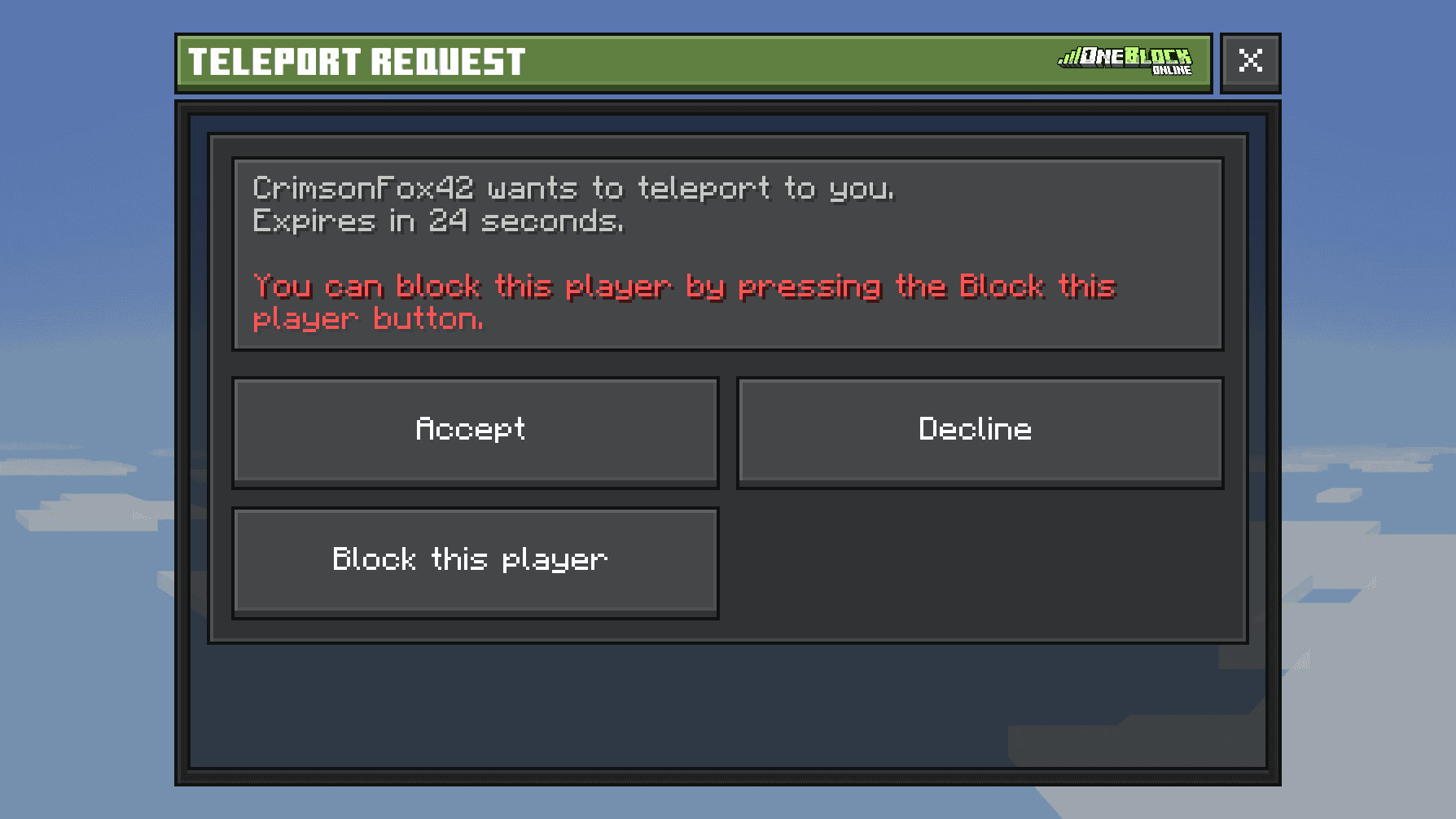
Other ways to move around
/spawn/warp pond/warps/monsterislands/lobbyswitch/switchserver