




Events & Giveaways
The event calendar, daily events, free giveaways, your own Giveaway Chest and NPC Hunts.
Events are fun things that happen at set times for everyone, like the Treasure Pond and the Lucky Block Event. Giveaways hand out free prizes to players who are online.

12 a day
Lucky Block Events

6 a day
Treasure Ponds
Event Calendar
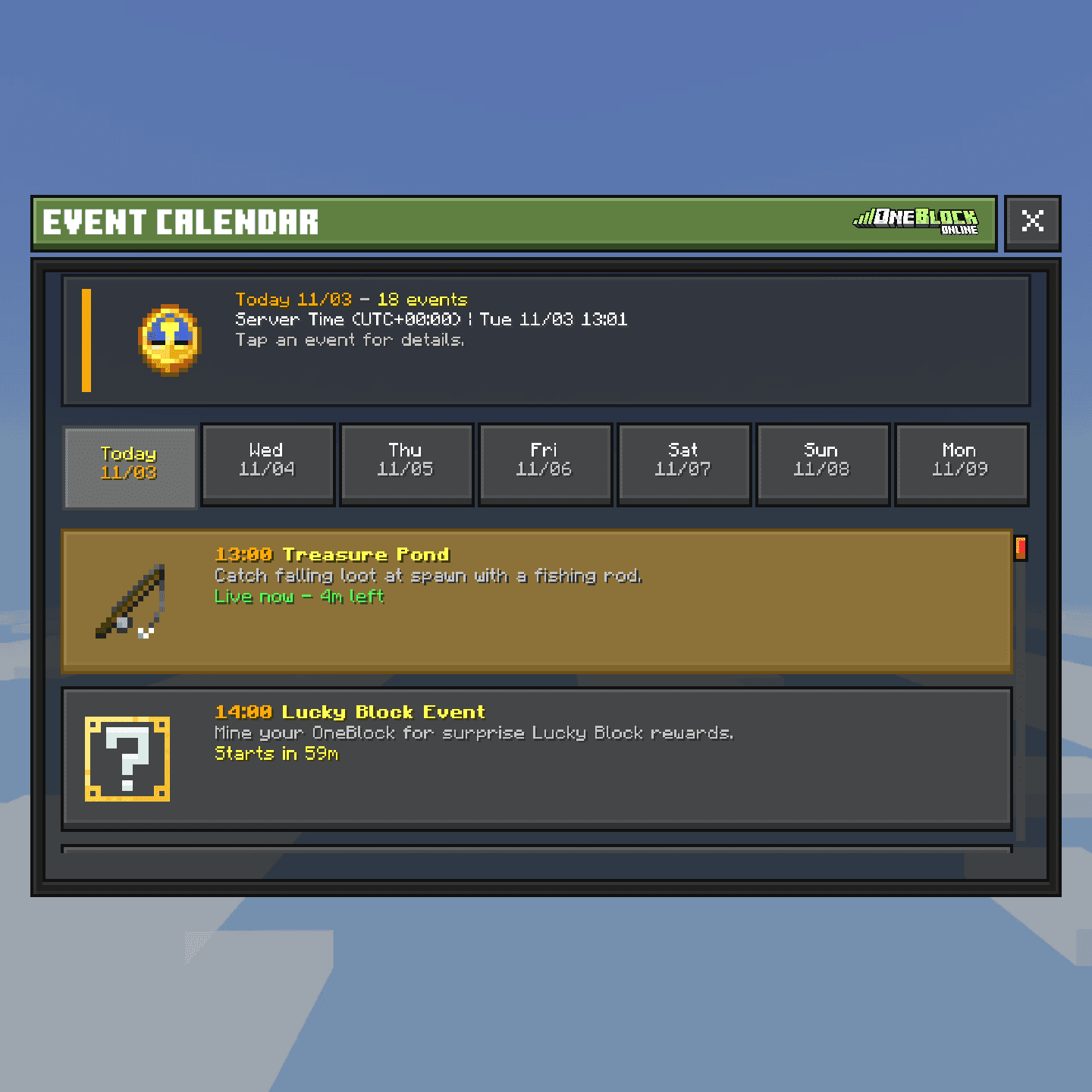
Type /events to open the Event Calendar. The top line says what is on now, or what is next and how long until it starts.
- Gold events are coming up. Blue events are on right now.
- Tap an event to see what it is and when it starts and ends.
- Press Refresh to update the list.
Daily events
| Event | When (UTC) | What to do |
|---|---|---|
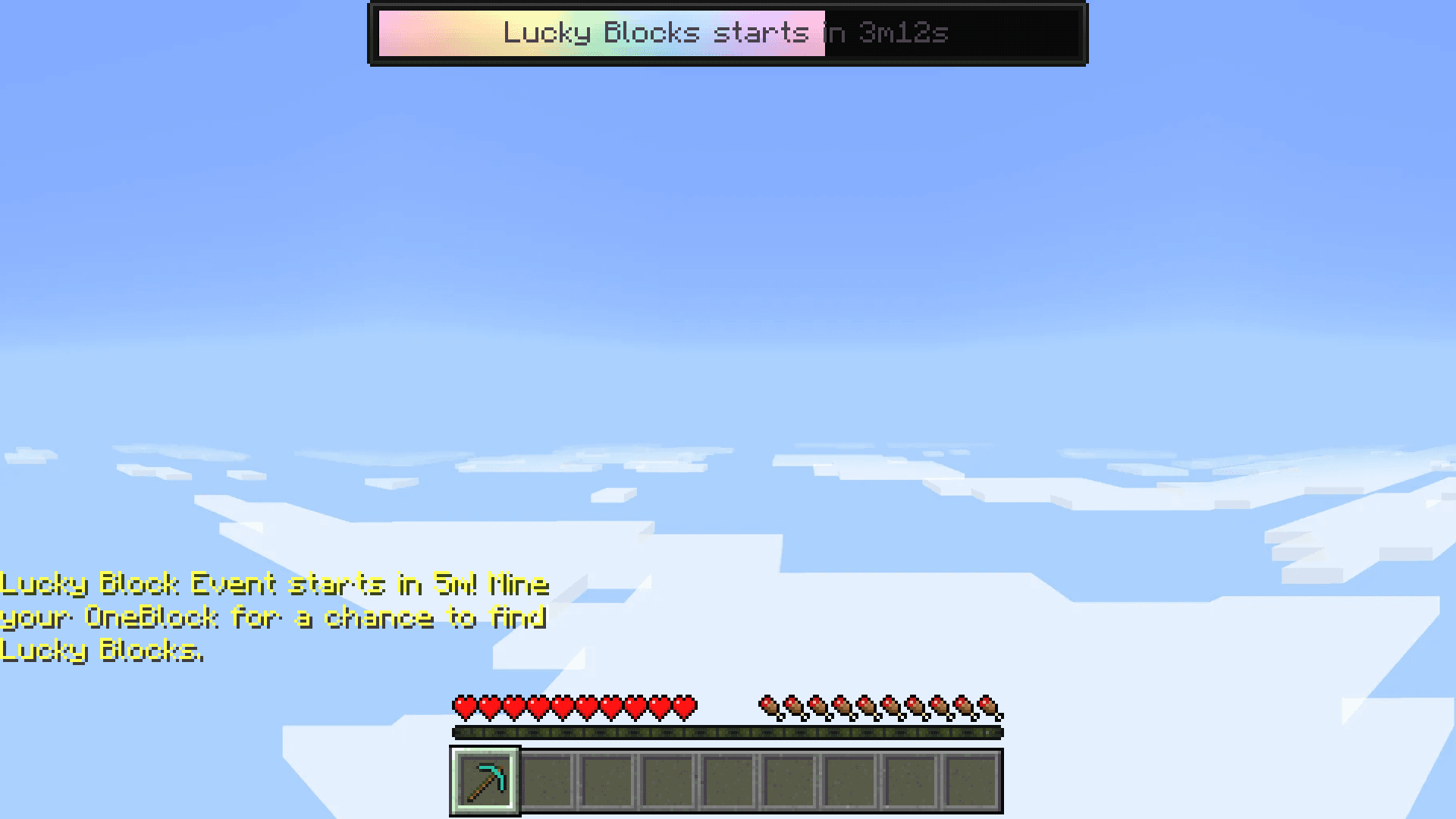
| Lucky Block Event | Every 2 hours, on even hours. Lasts 15 minutes. | Mine your OneBlock |
| Treasure Pond | Every 4 hours, from 01:00. Lasts 5 minutes. | Catch falling prizes at spawn |
Both warn you in chat 5 minutes early, and a timer bar appears at the top of your screen.
Global giveaways
Sometimes staff start a global giveaway. Winners are picked at random from everyone online, on every server. You don't have to do anything: just be online.
 Hero Rank2 days
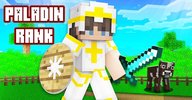 Paladin Rank2 days
 Champion Rank2 days
 Demigod Rank2 days
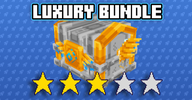 2Luxury Bundle
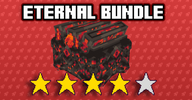 2Eternal Bundle
 3Cosmetics Bundle
You can't win a rank you already have or a lower one. A Champion, for example, can only win Demigod or a bundle.
Run your own giveaway
A Giveaway Chest lets you give away prizes on your island. Visitors enter for free, and winners are picked on a timer. It costs 200  Orebits, the server's premium currency.
- 1
Buy the chest
Talk to the Orebits NPC at spawn, or type
/store orebits. Open Misc and buy the Giveaway Chest. - 2
Place it on your island
You can have one per island. Only the island owner and Leaders can set it up.
- 3
Click the chest
Its menu opens with Edit Settings, Edit Prizes and Schedule Start.
- 4
Press Edit Prizes
Put your prizes in, then close it to save.
- 5
Press Edit Settings
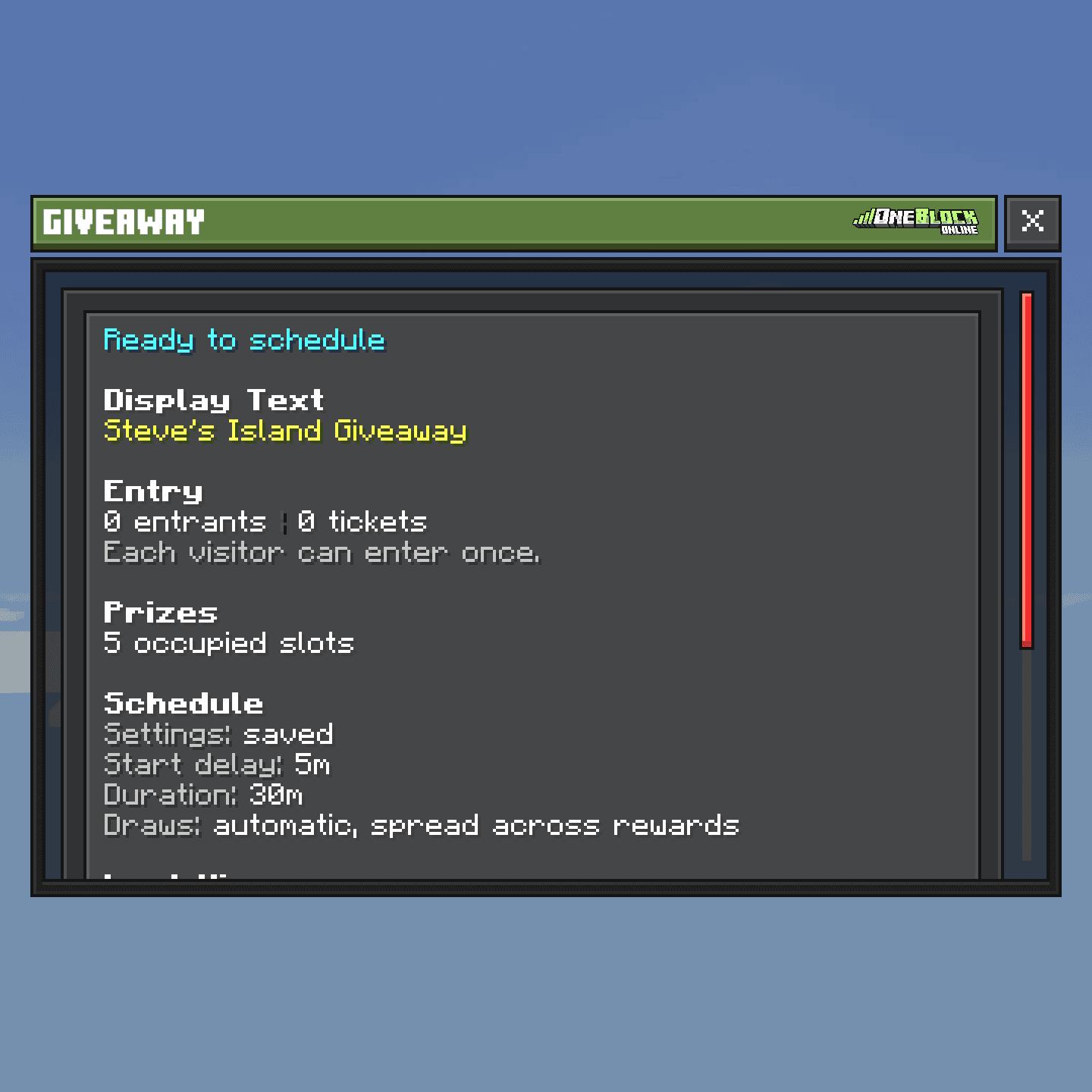
Pick how long it runs and how often a winner is drawn, then save.
- 6
Press Schedule Start
Your giveaway starts. Visitors click the chest and press Enter Giveaway.
If you don't change anything, it starts after 5 minutes, runs for 30 minutes and draws a winner every 5 minutes.
NPC Hunts
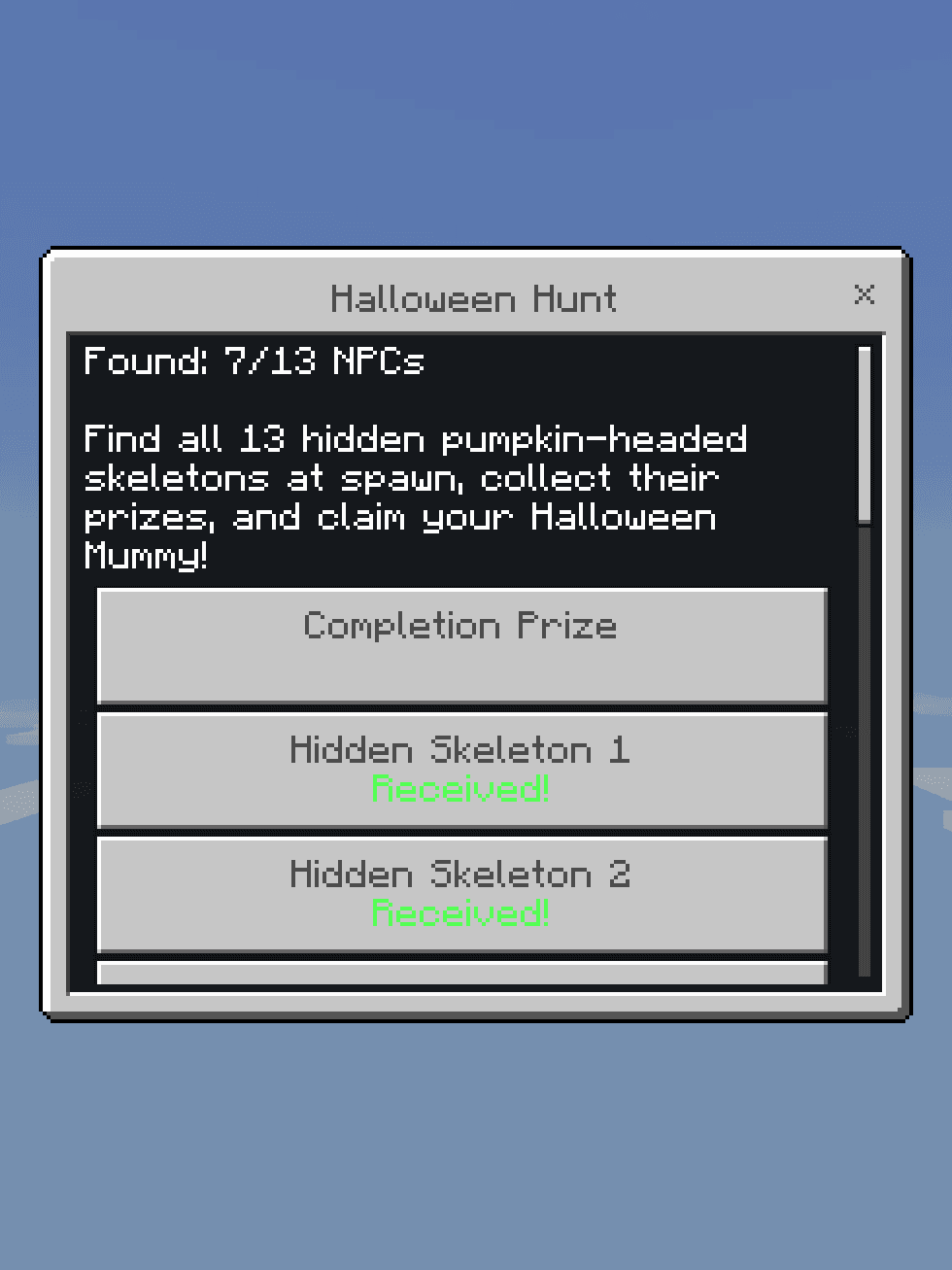
In an NPC Hunt, characters are hidden around spawn. Find one and click it to get its prize. Find them all for a big final prize.
- 1
Open the hunt menu
Type
/huntto see the hunts that are on and how many you have found. - 2
Explore spawn
Look in corners, on roofs and behind things. Click every hidden NPC you find.
- 3
Claim the final prize
When you have found them all, open
/huntand press Claim Completion Prize.
If a prize didn't arrive (for example your inventory was full), make space, open /hunt and press Retry Unclaimed Prizes. The current hunt is the Halloween Hunt; see Halloween Event.