Orebits





PvP & Combat
The spawn warzone, combat tag, PvP on islands and combat display settings.
PvP means fighting other players. You can only do it in two places: the warzone north of spawn, and on islands whose owners allow it. Everywhere else, players can't hurt each other.

15 seconds
Combat tag

None
Items lost on death
The spawn warzone
Go to spawn and walk north past the Warzone sign. When you leave the safe area, chat tells you PvP is on:
The Warzone sign at the edge of spawn
Скриншот скоро будет
Combat tag
- When you hit a player or a player hits you, you're both in combat for 15 seconds. Every new hit restarts the timer.
- While in combat, you can't leave the warzone. A wall pushes you back.
- If you die, you come back at the warzone entrance and keep all your items.

Полезно знать
Custom enchants and armor bonuses only work at spawn while you're inside the warzone.Two players fighting in the warzone
Скриншот скоро будет
PvP on islands
On islands, visitors can't fight unless the owner allows it. The owner can allow it on the whole island, or only inside an arena zone.
- 1
Open the Server Menu
Use the Server Menu (Click Me) item in your last hotbar slot, or type
/menu. - 2
Go to Island
Tap the Island tab at the top.
- 3
Tap Island Settings
You need to be the island owner or have the right role.
- 4
Role Permissions → Visitor
Switch on Allow Fight. For PvP only inside an arena, use Permission Zones instead.
- If a zone allows Fight, players can only fight when they both stand in the same zone.
- Players on different islands can never hit each other.
More about roles and zones is on Island Team.
Combat display settings
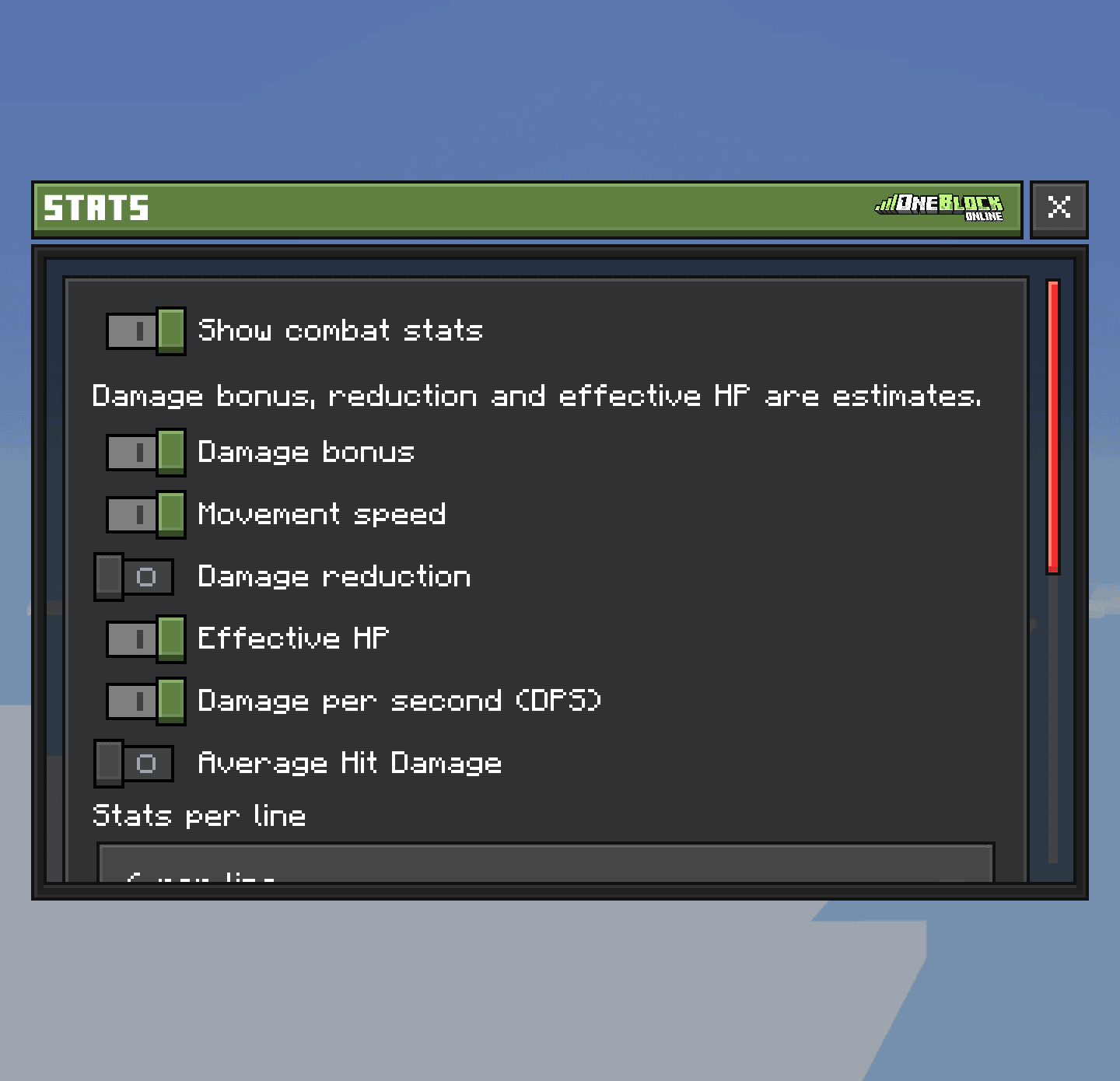
Type /cesettings to open Custom Enchant Settings. It has four sections. Everything is off until you switch it on.
| Section | What you can show |
|---|---|
| Stats | Your combat numbers above the hotbar (see below) |
| Effects & Cooldowns | Timers for your enchants: when they're ready, active or stacking |
| Damage Indicators | Floating damage numbers that only you see. Pick the size and how long they stay |
| Activation Feedback | A message when an enchant triggers, or why it didn't |
| Stat | Means |
|---|---|
DMG | Your damage bonus |
SPD | Your movement speed |
DR | Damage reduction: how much less damage you take |
EHP | Effective health: how much damage you can survive |
DPS | Damage per second |
AVG | Your average hit |
Floating damage numbers and the stats line while fighting
Скриншот скоро будет