Orebits









Flight
Fly on islands with /fly, and how to get more Fly Time.
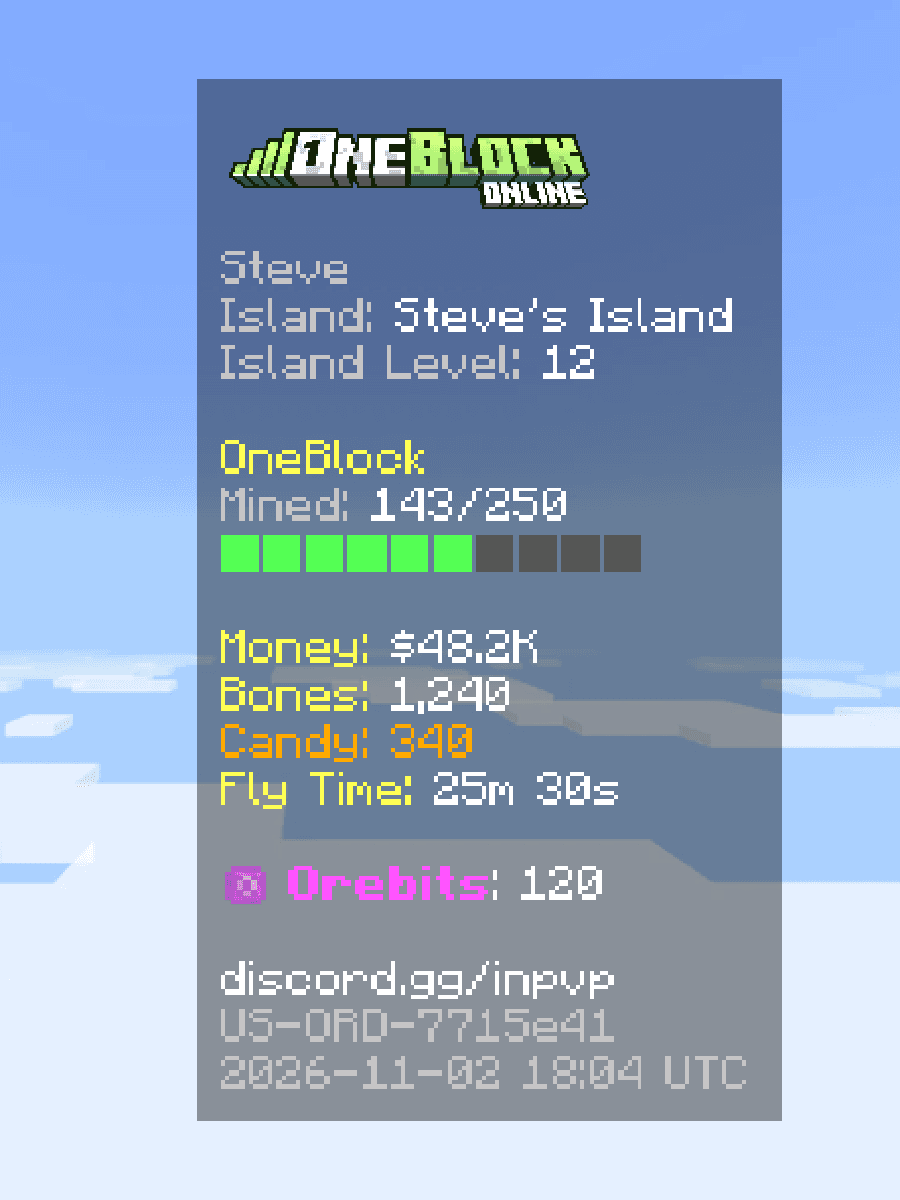
You can fly on islands. Flying uses Fly Time: minutes of flying you have saved up. You can see how much you have on the right side of your screen.

5 min
Free every day
Islands only
Where
/fly
Command
How to fly
- 1
Turn it on
Type
/fly. - 2
Take off
Double-jump (jump twice fast).
- 3
Turn it off
Type
/flyagain.
Fly Time only goes down while you are in the air. Standing on the ground costs nothing.

Осторожно
When your Fly Time runs out, you stop flying right away. Don't fly over the void with only a few seconds left.Where you can fly
| Place | Can you fly? |
|---|---|
| Your own island | Yes |
 Someone else's island | Only if the owner allows it |
 Spawn | No |
 Monster Islands | No |
Let visitors fly on your island
- 1
Open the Server Menu
Use the Server Menu (Click Me) item in your last hotbar slot, or type
/menu. - 2
Island tab
Click Island, then Island Settings.
- 3
Role Permissions
Click Role Permissions, then Visitor.
- 4
Allow Fly
Switch on Allow Fly and save.
The visitor permissions with the Allow Fly switch
Скриншот скоро будет
Get more Fly Time
| Where | Fly Time |
|---|---|
Daily reward (/daily) | 5 minutes every day |
 Daily Bundle | 10 minutes |
 Luxury Bundle | 1, 6 or 12 hours |
 Redstone Kit | 30 minutes |
 Store: Unlimited Fly | Fly forever |

Совет
Claim/daily every day. The 5 minutes add up, and the Daily Bundles you get can give even more Fly Time.Other ways up: an Elytra from the Luxury Bundle, and dragon pets you can ride at pet level 50.