 Orebits
 0
0Fair Gameplay Policy
We are committed to fair gameplay. MegaSMP is a full PvP server - selling items with enchantments or abilities would give paying players an unfair combat advantage, so bundle items here have no enchantments or special abilities.
Sign in to see your bundle progress
Weapons & Tools - Premium Items
(14)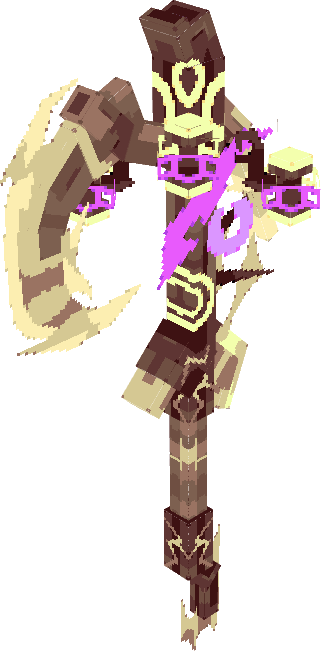
Moth Axe
RESET VAULT
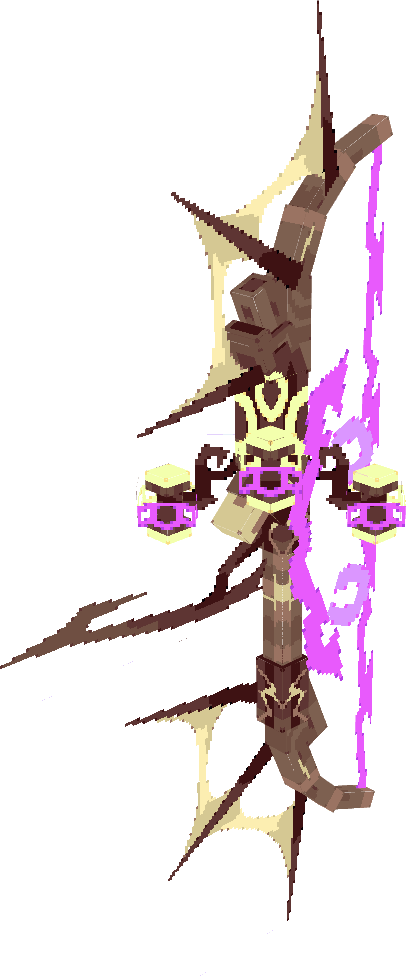
Moth Bow
RESET VAULT
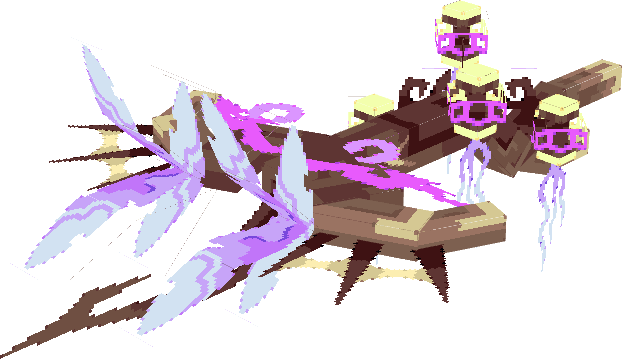
Moth Crossbow
RESET VAULT
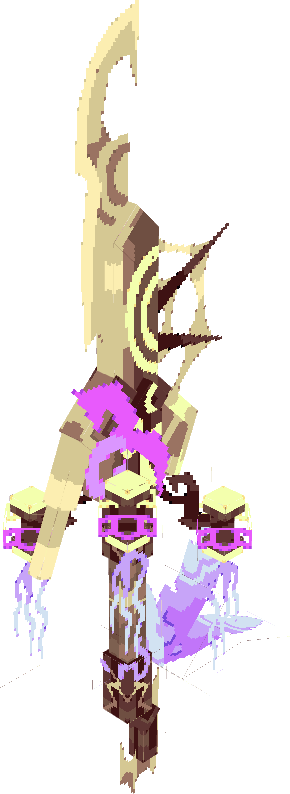
Moth Dagger
RESET VAULT
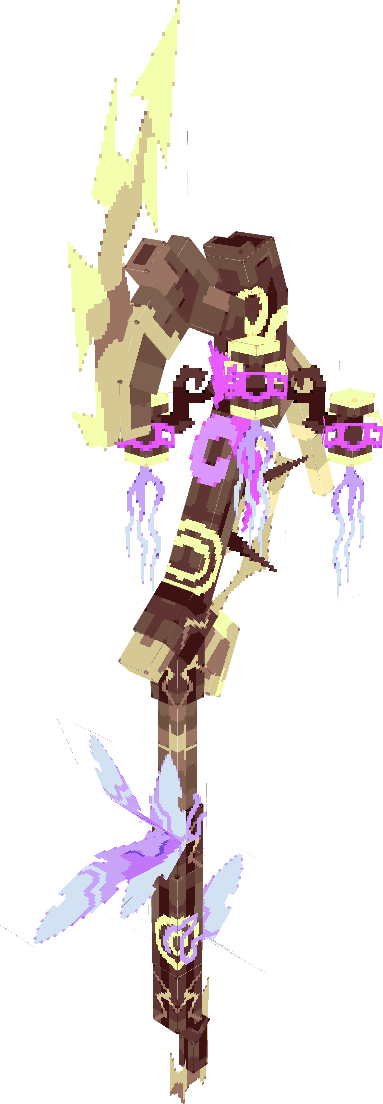
Moth Halberd
RESET VAULT
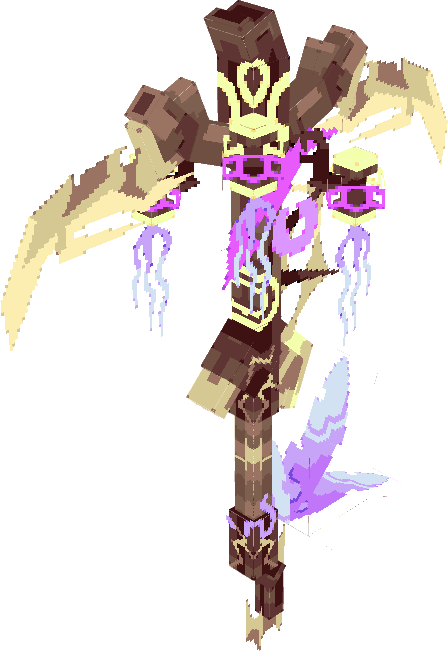
Moth Pickaxe
RESET VAULT
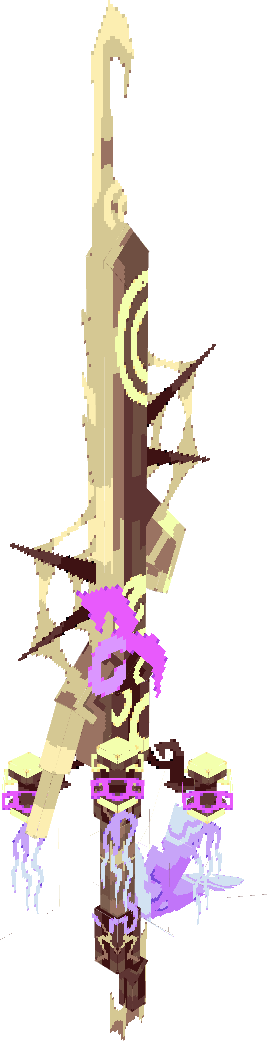
Moth Rapier
RESET VAULT
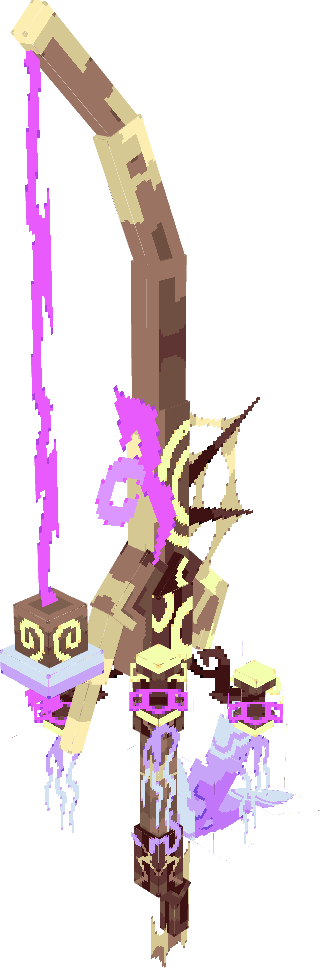
Moth Fishing Rod
RESET VAULT
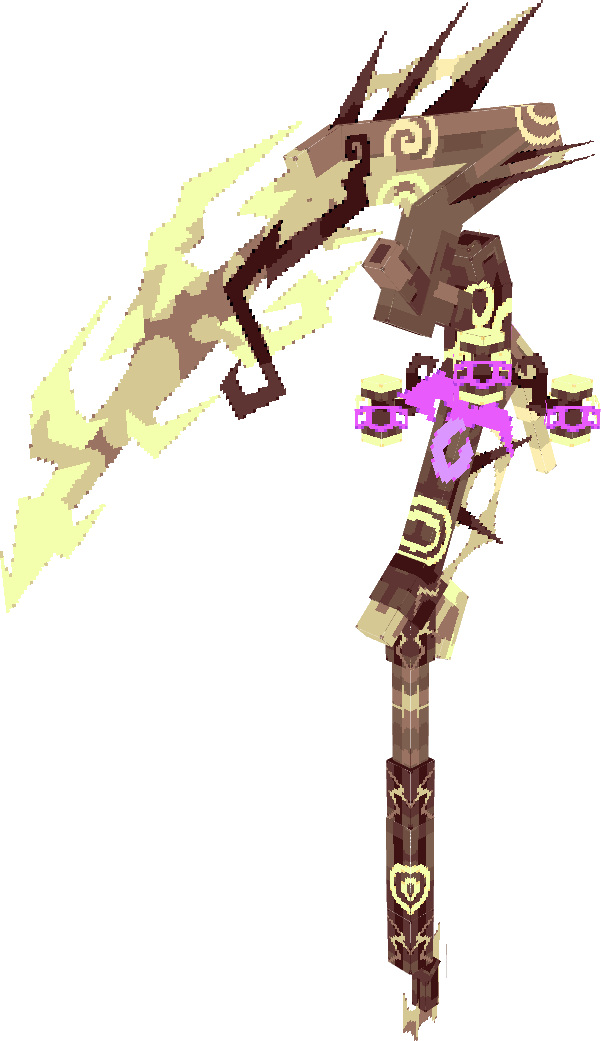
Moth Scythe
RESET VAULT
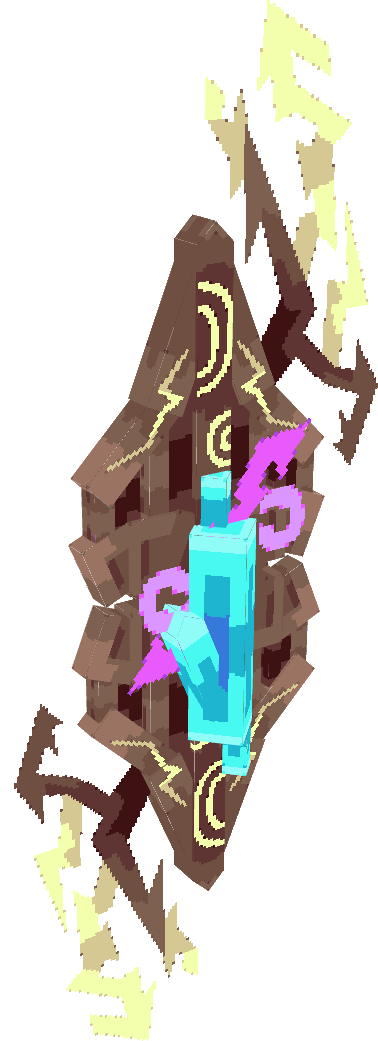
Moth Shield
RESET VAULT
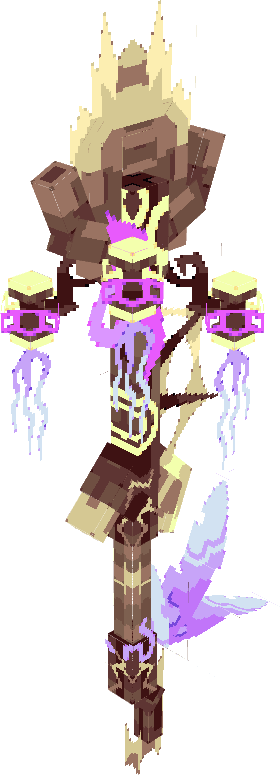
Moth Shovel
RESET VAULT
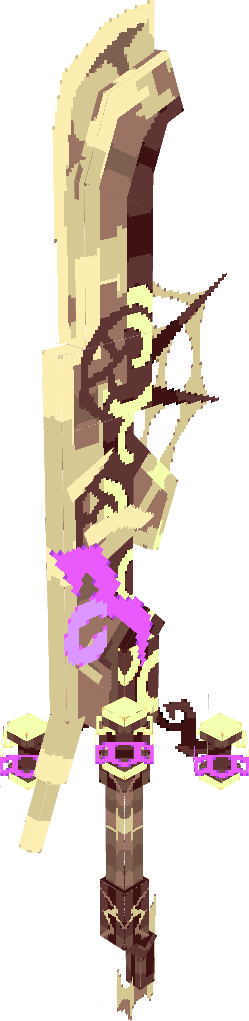
Moth Greatsword
RESET VAULT
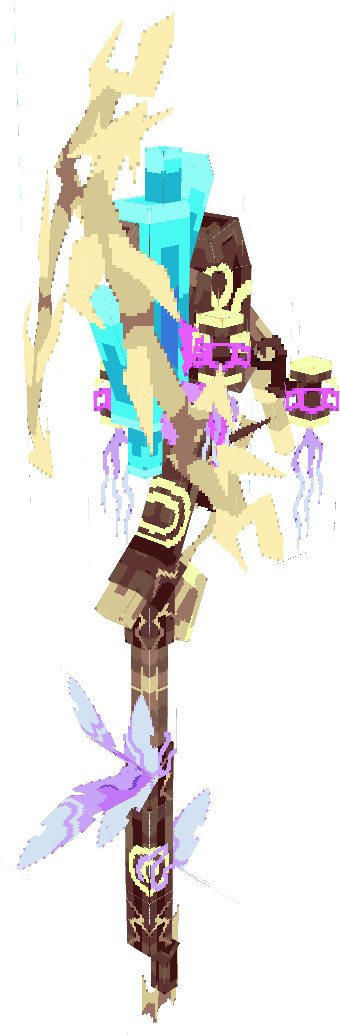
Moth Staff
RESET VAULT
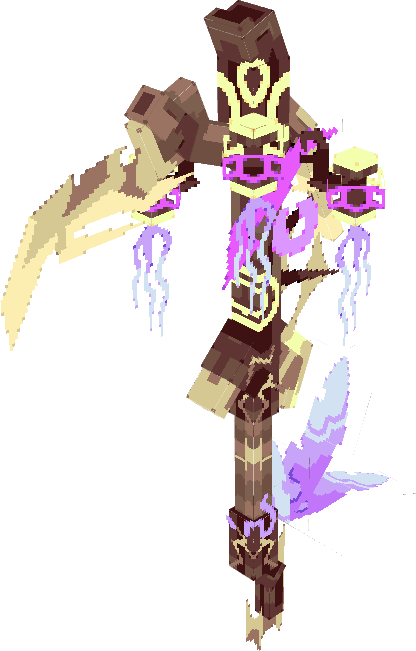
Moth Harvester Hoe
RESET VAULT
Gold Edition - Premium Items
(12)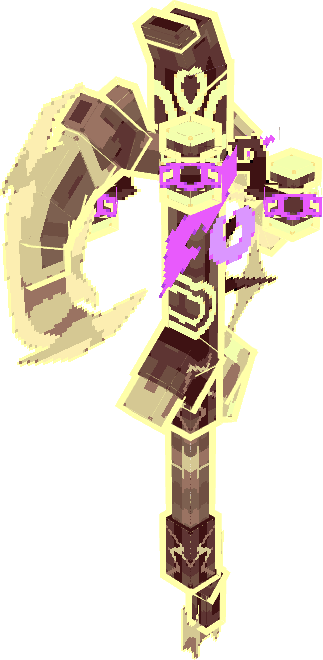
Gold Moth Axe
RESET VAULT✦ GOLD
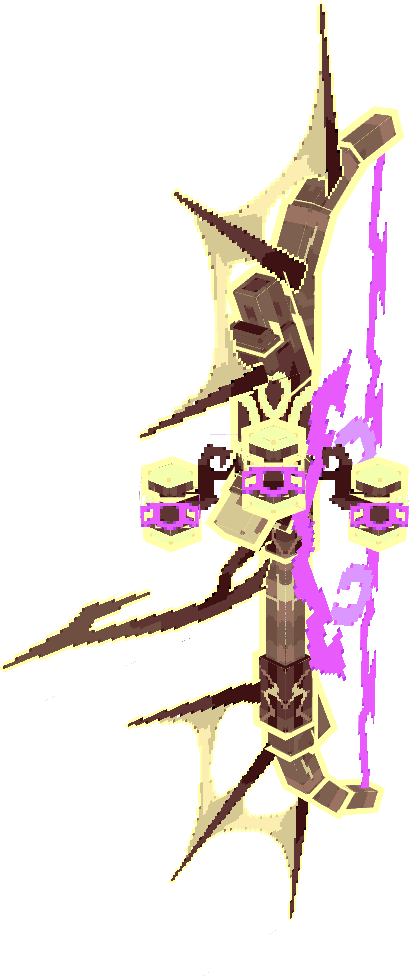
Gold Moth Bow
RESET VAULT✦ GOLD
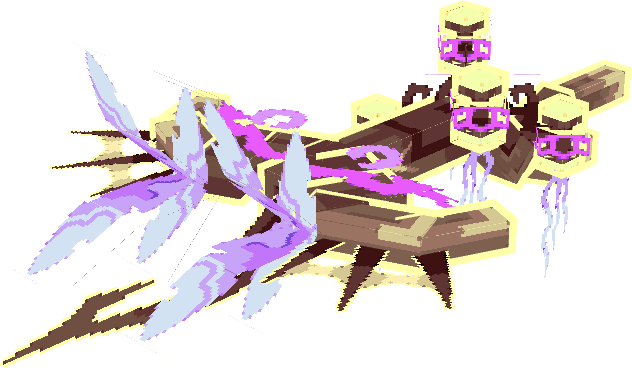
Gold Moth Crossbow
RESET VAULT✦ GOLD
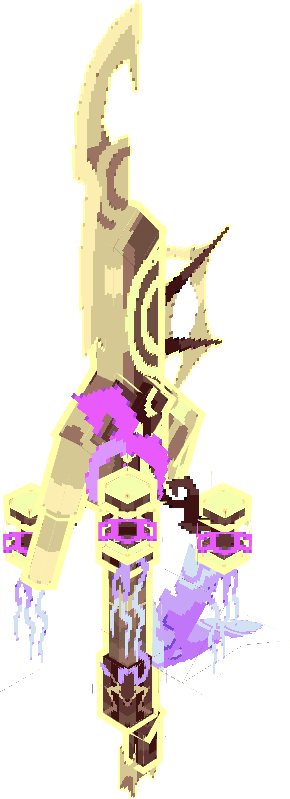
Gold Moth Dagger
RESET VAULT✦ GOLD
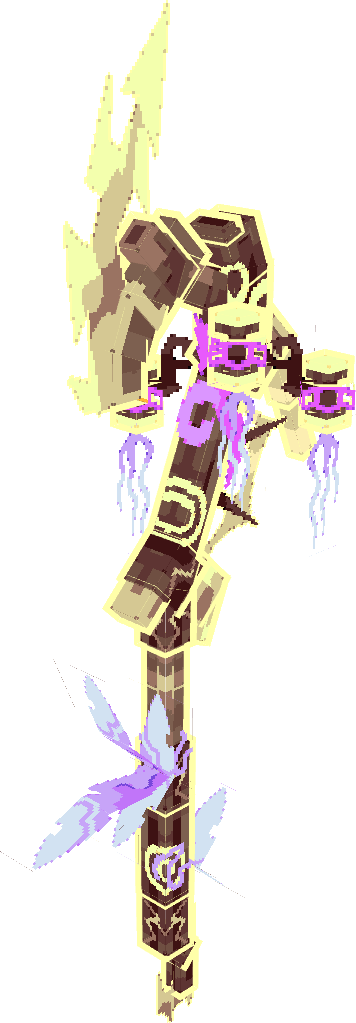
Gold Moth Halberd
RESET VAULT✦ GOLD
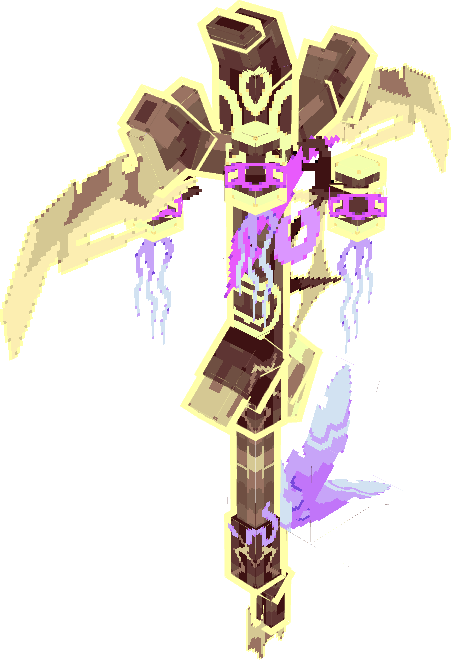
Gold Moth Pickaxe
RESET VAULT✦ GOLD
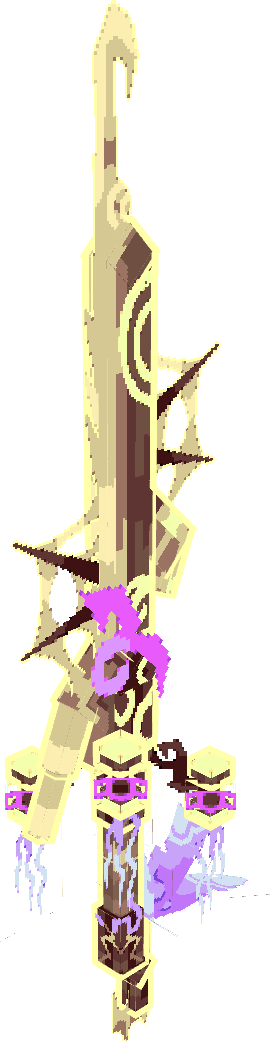
Gold Moth Rapier
RESET VAULT✦ GOLD
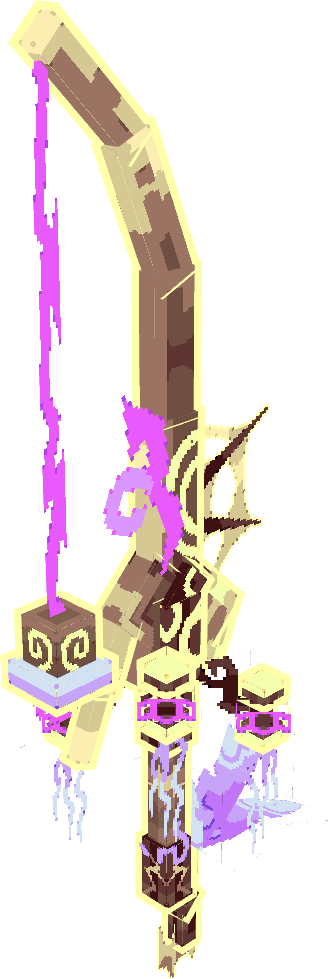
Gold Moth Fishing Rod
RESET VAULT✦ GOLD
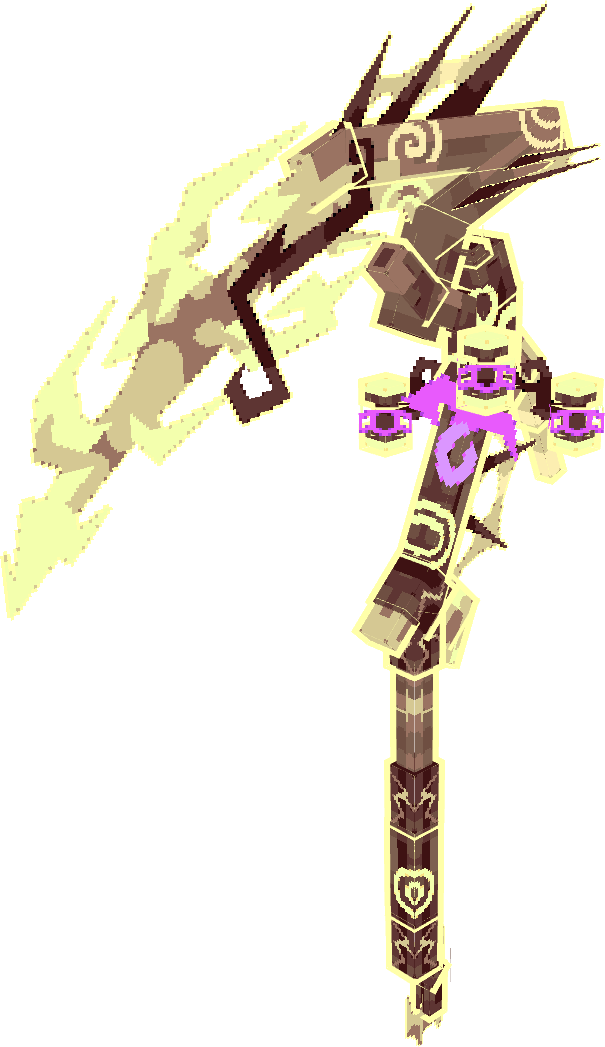
Gold Moth Scythe
RESET VAULT✦ GOLD
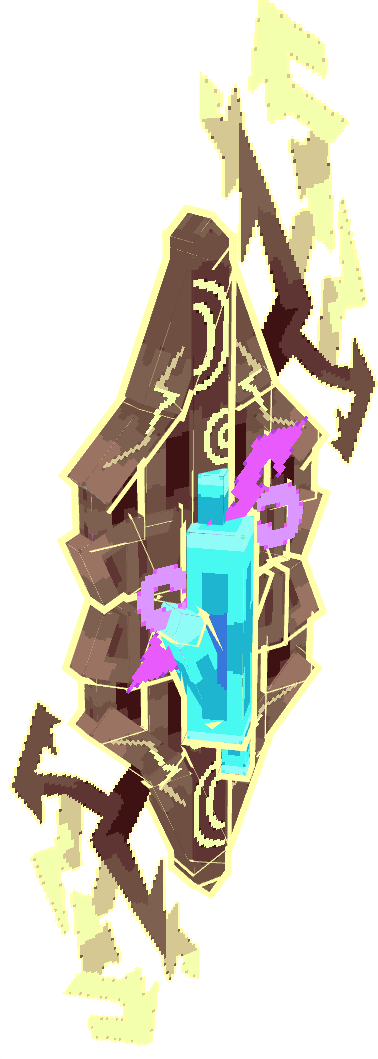
Gold Moth Shield
RESET VAULT✦ GOLD
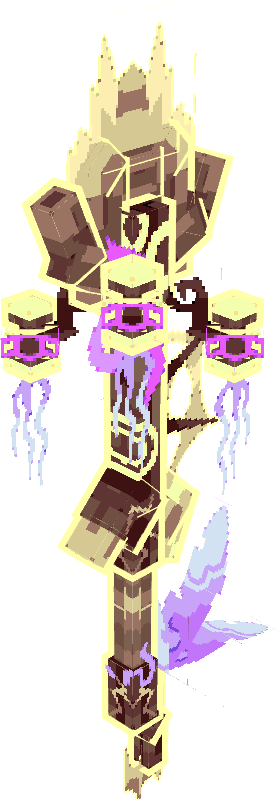
Gold Moth Shovel
RESET VAULT✦ GOLD
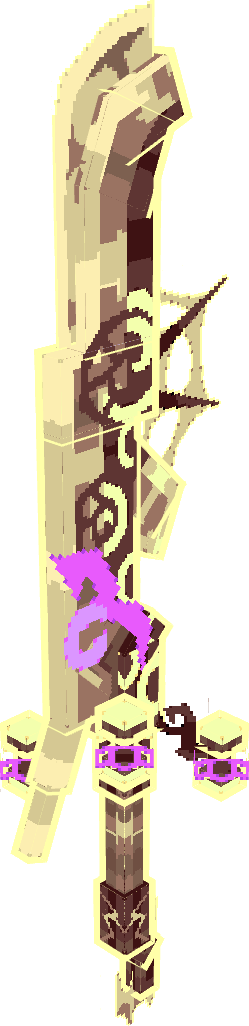
Gold Moth Greatsword
RESET VAULT✦ GOLD
Armor Sets - Premium Items
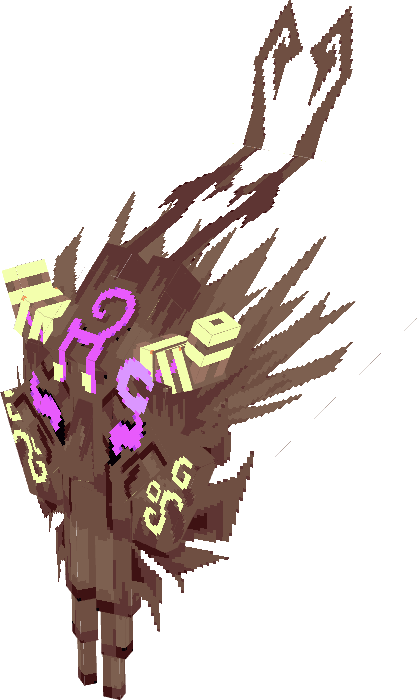
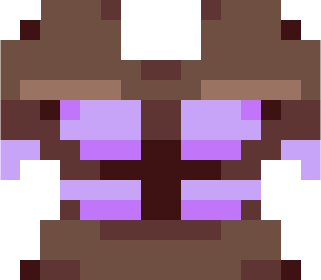
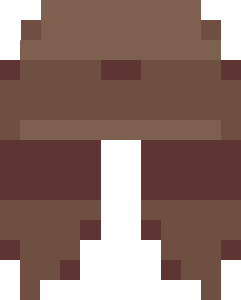
(4)
Cosmetics & Exclusives - same on all gamemodes
Wardrobe
(1)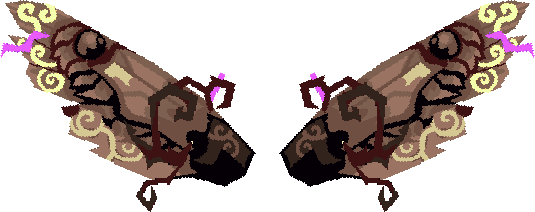
Moth Wings
1× PLAYER
Chat Titles
(3)![[Moth]](/images/name-tag.webp)
[Moth]
1× PLAYER
[Nocturnal]
1× PLAYER
[Metamorph]
1× PLAYER
Join Messages
(1)
Spotted the Glow and Could Not Resist
1× PLAYER
How to Get the Moth Bundle
- 1Open Minecraft and join Mineville▶ Play Now
- 2Pause the game and tap the Store button
- 3Search for "Moth Bundle" in the Featured section
- 4Purchase with Minecoins and start opening!
- 5Open each bundle to reveal the next one in your 5-bundle lineup!
What is a Premium Item?
Most items in Mineville are wiped at the end of every season - but Premium Items (RVI) are permanently yours. They survive every reset and carry over between seasons automatically. You can also trade RVI items with other players, making them some of the most valuable items on the server. Every weapon, tool, and armor piece in the Moth Bundle is a Premium Item.